Compatibility Check
**FilmFade DCTL** Requires DaVinci Resolve Studio 17+ (Paid Version).
Not compatible with the free version of DaVinci Resolve. Ensure you have the Studio version to unlock the full power of DCTLs.
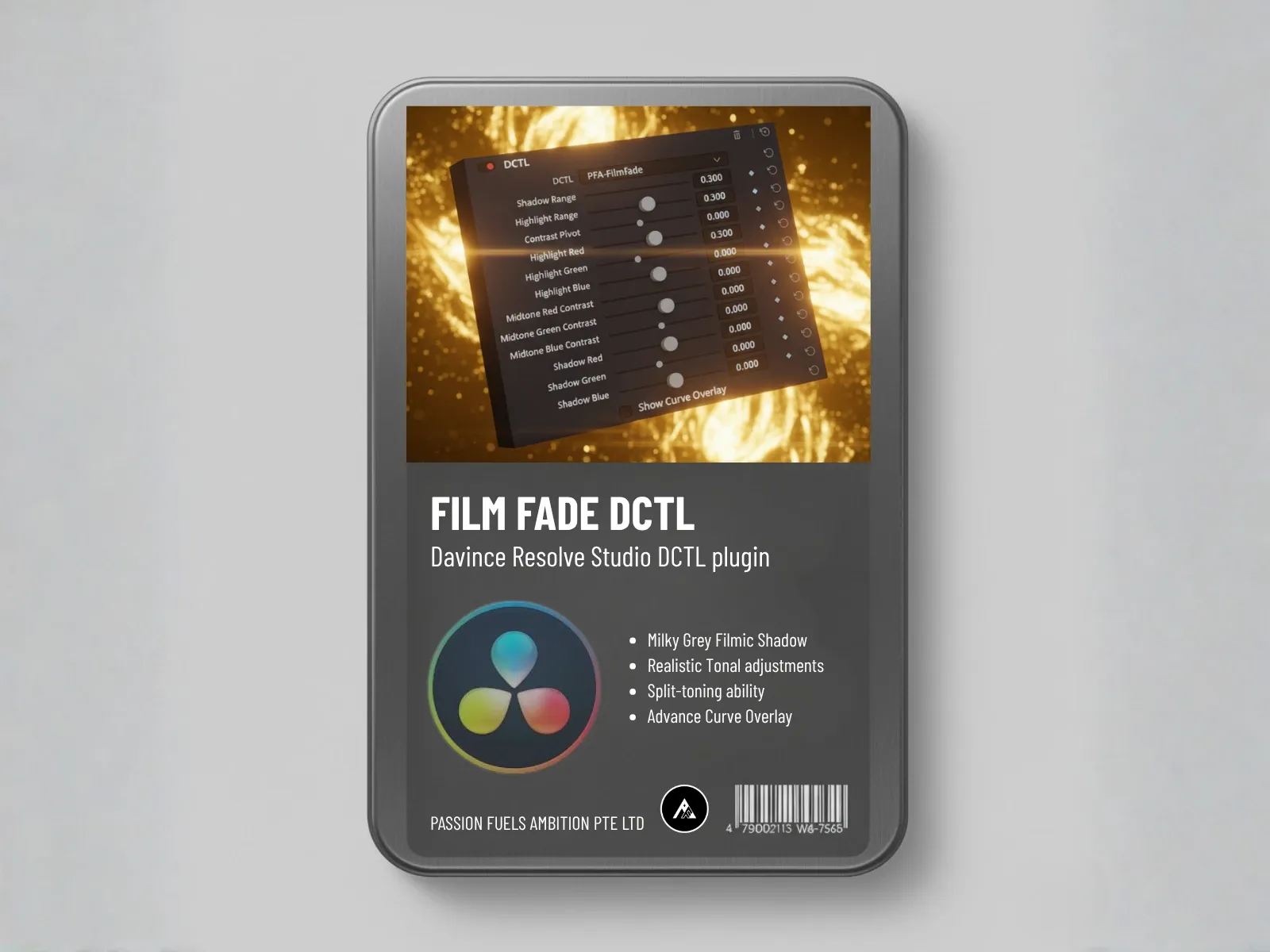
Stop fighting curves. Achieve the professional filmic gray look and nuanced split tones with the DCTL that transforms complex RGB adjustments into 9 intuitive sliders.
The FilmFade DCTL is a revolutionary tonal adjustment tool that mathematically converts the functionality of RGB curves into easy-to-use sliders. This allows you to apply precise color split toning to specific zones without guesswork.
The tool divides the tonal range into three zones, each with dedicated R, G, and B control. Instead of wrestling with complex curve points, you simply adjust intuitive sliders to achieve precise split toning and tonal adjustments. Each zone operates independently, giving you surgical control over your image's color and contrast.
The single most sought-after effect in film emulation is the milky gray shadow lift. Our DCTL makes this complex technique instantaneous.
The professional colorist's secret weapon
To eliminate pure digital blacks and create that soft, filmic look, simply raise the Red, Green, and Blue shadow sliders to the exact same value.
This intentional mix eliminates black and transforms your shadows into a beautiful, cinematic gray. No more harsh digital blacks—just soft, organic, filmic depth.
Visualize your tonal divisions in real-time
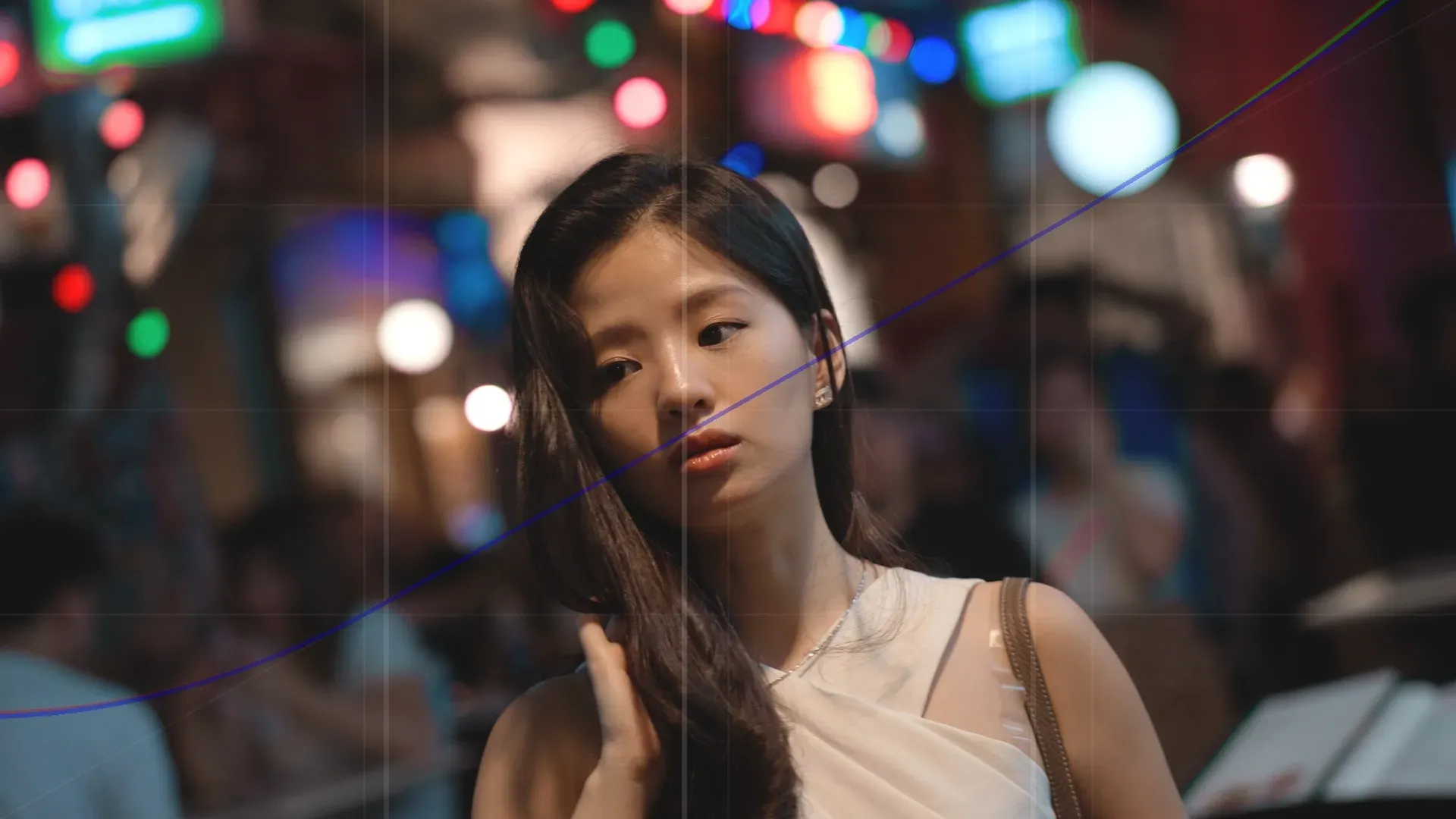
Use the advanced curve overlay feature to visualize your tonal divisions directly in the viewer. The Shadow Range, Highlight Range, and Contrast Pivot are clearly marked by three white lines, ensuring your adjustments land exactly where you intend them to.
Adjusting these white line ranges allows you to calibrate all 9 sliders to the specific needs of your shot, giving you unparalleled control over the contrast and tonal range. Perfect for matching different camera sensors or adapting to varied lighting conditions.
Place the FilmFade DCTL near the end of your node stack for optimal results
Place the **FilmFade DCTL** at the end of your node stack as the final aesthetic layer. This recommended workflow ensures optimal color science and filmic results.
**FilmFade DCTL** Requires DaVinci Resolve Studio 17+ (Paid Version).
Not compatible with the free version of DaVinci Resolve. Ensure you have the Studio version to unlock the full power of DCTLs.
This section provides clarity on the unique mechanics of the 9-slider curve control and the powerful aesthetic results of the tool.
Stop sacrificing speed for precision. Unlock non-destructive, GPU-optimized color science for flawless skin tones, deep cinematic looks, and ultimate DaVinci Resolve performance.
Get instant access to exclusive DCTL tips, special discounts, and free utility LUTs
Daily color grading insights
Member-only special offers
Exclusive bonus downloads