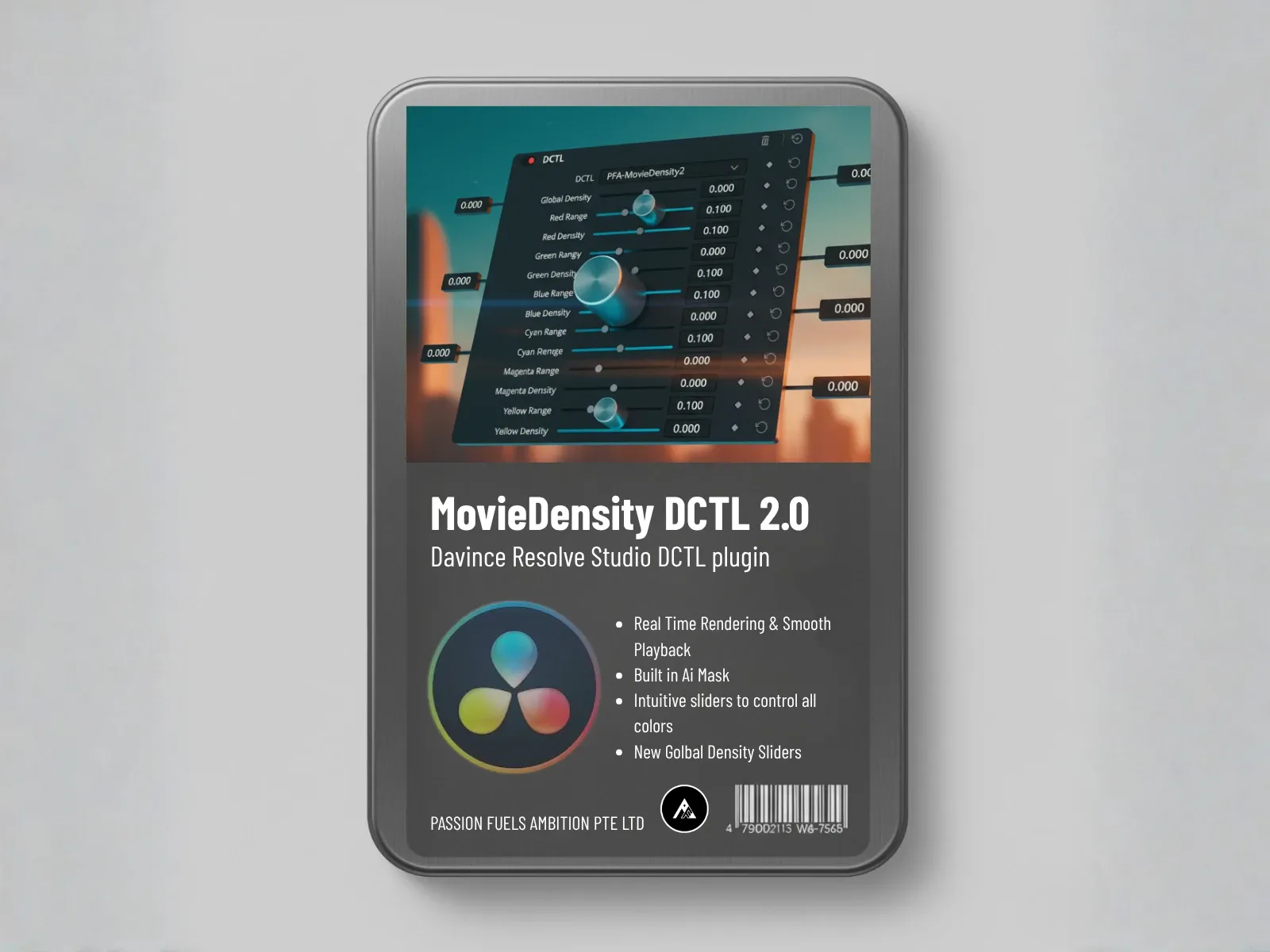
Movie Density DCTL:
Unlock True Film Color Depth & Cinematic Density
Stop using saturation that looks digital. This DCTL uses subtractive color technology to add the complex, rich tonal density that defines a professional, filmic look to any scene.

BEFORE
Flat Digital Look

AFTER
Cinematic Density
See Movie Density in Action
Follow this simple 3-step workflow to transform your footage from flat digital to rich cinematic
Advanced Masking Range Selection
Target specific color ranges with precision masking to control exactly where density is applied
Density Adjustment
Fine-tune the amount of subtractive saturation to achieve the perfect cinematic depth
Before & After Results
Compare the transformation from flat digital to rich, film-quality cinematic depth
Why Subtractive Color is Key to the Film Look
Achieving genuine film density requires more than just boosting saturation—it requires a complex interaction of hues. Traditional saturation tools add chroma, often flattening your image.
Traditional Saturation
Simply adds chroma uniformly across the image, resulting in bright but flat colors that lack dimension and sophistication.
Subtractive Saturation
Simultaneously adds color and enhances separation by mimicking how physical film interacts with light, creating authentic filmic density.
Flexible Control for Every Scene Aesthetic
Professional-grade controls designed for speed and precision
Full Channel Mask & Range
Similar to the Color Slider, this DCTL includes a mask and range tool to control how R, G, B, C, M, Y channels are interpreted.
This ensures your density adjustments target the right hues without spill.
Density Hue Selection
Precisely adjust the density hue to be either narrower or sharper.
Tune the tool to your scene's specific color palette (e.g., warmer for desert scenes, cooler for night shots).
Optimized Performance
Coded in DaVinci's Native Language, the Movie Density DCTL runs smoothly.
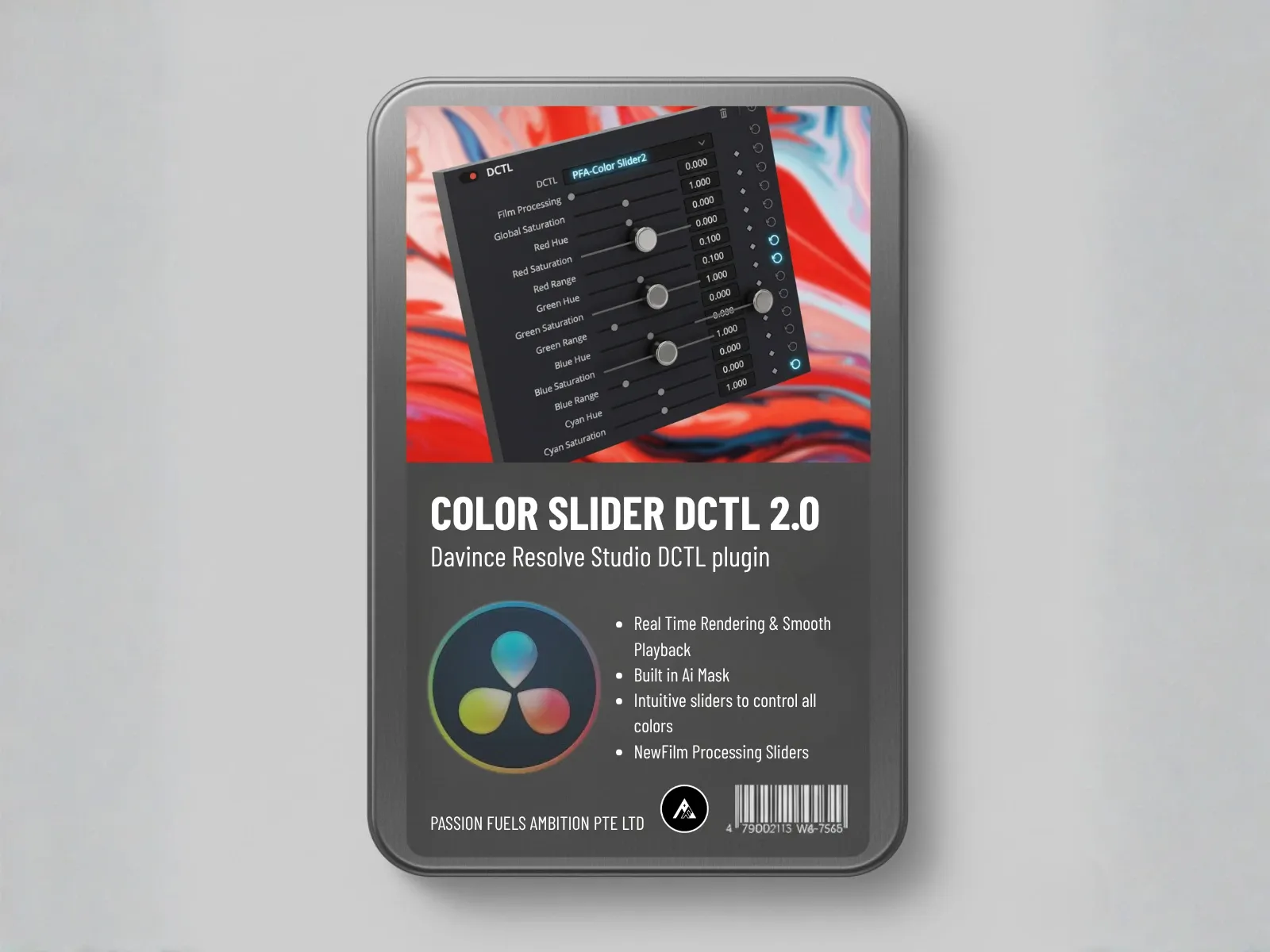
Stack it with Color Slider DCTL to set base density and refine colors without performance issues.
What You Get
6-Channel Control
Full control over Red, Green, Blue, Cyan, Magenta, and Yellow
Adjustable Density Hue
Fine-tune the density color to match your scene's palette
Non-Destructive Workflow
Make changes without affecting source footage quality
Simple Slider Interface
Intuitive controls for precise adjustments
Workflow Tip: Perfect Node Structure
Follow this proven node structure for optimal cinematic results: Start with Color Space Transform, then layer your DCTLs in the correct order for maximum color fidelity and professional depth.
Compatibility Requirements
Movie Density DCTL requires DaVinci Resolve Studio 17+ (Paid Version).
Not compatible with the free version of DaVinci Resolve. This tool is designed for professional post-production workflows.
Transform Your Tones.
Buy Movie Density DCTL Today.
Join hundreds of professional colorists who trust Movie Density DCTL for authentic cinematic depth.
Everything You Need to Know About the Movie Density DCTL
This section provides clarity on the unique aesthetic benefits and technical function of this powerful look-setting tool.
Next-Gen Color Grading: Master Your Workflow with PFA DCTLs
Stop sacrificing speed for precision. Unlock non-destructive, GPU-optimized color science for flawless skin tones, deep cinematic looks, and ultimate DaVinci Resolve performance.
Join Our Exclusive
Telegram Community
Get instant access to exclusive DCTL tips, special discounts, and free utility LUTs
Pro Tips & Tutorials
Daily color grading insights
Exclusive Discounts
Member-only special offers
Free Utility LUTs
Exclusive bonus downloads