Speed Up Your Color Grading Workflow: 5 Tools That Cut 80 Percent of the Work
If you are building every grade from scratch with 20-plus nodes, you are working too hard. The best colorists in the world do not start from zero. They use tools that handle the heavy lifting so they can focus on creative decisions that actually move the needle for the final image.
Speeding up your color grading workflow requires tools that combine multiple grading functions into a unified system. According to Blackmagic Design, DaVinci Resolve’s node-based architecture allows colorists to build efficient grading pipelines that minimize repetitive work.
Here are the five categories of tools and plugins that will dramatically accelerate your color grading workflow in DaVinci Resolve without sacrificing quality.
1. Film Emulation Plugins
Film emulation plugins replace dozens of manual nodes with a single effect that handles contrast roll-off, color separation, and film characteristics automatically. Instead of building a custom film look node by node, you apply a film emulation tool and adjust intensity to taste.
The time savings are significant. A typical manual film grade requires nodes for exposure adjustment, contrast curve shaping, highlight roll-off, shadow toe adjustment, color separation, grain addition, and halation. A film emulation plugin handles all of these in one step, reducing a 20-node grade to a 5-node grade with the plugin doing the heavy lifting.
PFA Color Suite offers comprehensive film emulation with tools like CinePulse for one-click cinematic looks, Film Mixer for combining multiple film characteristics, and Film Texture for authentic grain and halation. The entire suite works within a single OpenFX node in DaVinci Resolve.
2. AI-Powered Color Matching
Shot matching is the most time-consuming part of any color grading project. When you cut between three cameras in a single scene, each camera has different color science, exposure, and white balance. Manually matching them takes 10 to 15 minutes per shot pair.
AI color matching tools analyze your reference shot and automatically adjust subsequent shots to match exposure, white balance, and color tone. DaVinci Resolve includes built-in shot matching through its Neural Engine. PFA CinePulse AI also includes intelligent color matching as part of its one-click grading system.
The time savings are dramatic. What took 10 minutes per shot pair now takes 10 seconds. On a project with 50 shots that need matching, that is 8 hours reduced to 8 minutes.
3. Preset Systems
Professional preset systems store your best grading decisions as reusable starting points. Instead of building the same look from scratch every project, you load a preset that gives you 70 to 80 percent of the final look, then adjust for the specific footage.
The PFA Preset System includes over 100 cinematic presets organized by mood, genre, and film stock reference. Each preset is built on actual color grading work, not theoretical color science, so they produce real results on real footage.
The key to effective preset use is treating them as starting points, not final grades. Load the preset, see where it gets you, then adjust exposure, saturation, and specific color channels for the footage you are actually working with.
4. DCTL Color Tools
DCTL (DaVinci Color Transform Language) tools process color at the pixel level with 32-bit precision. They are faster than manual node setups because the math happens on the GPU rather than through Resolve node processing. Simple color adjustments that take 5 nodes manually can be done in one DCTL node.
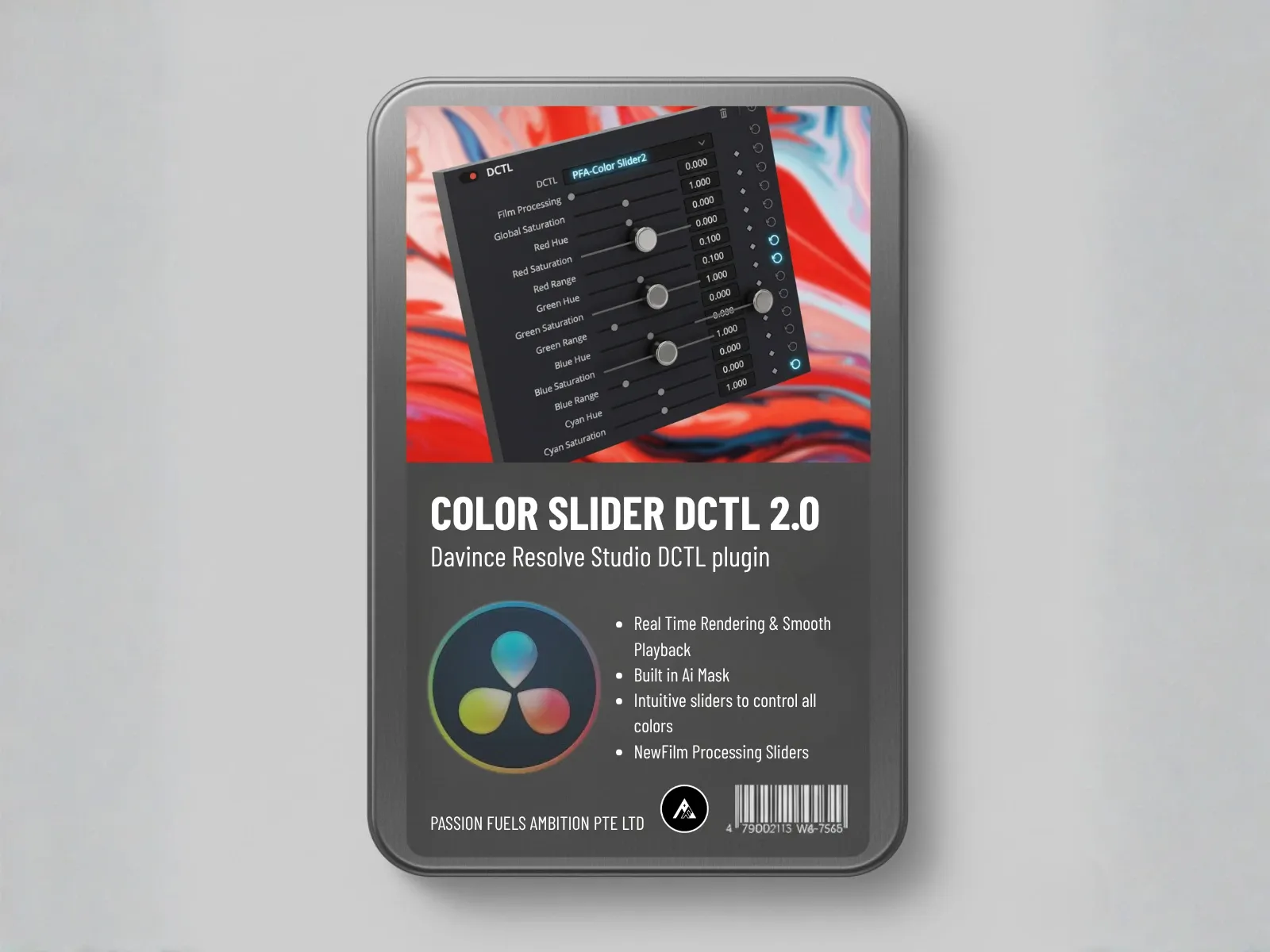
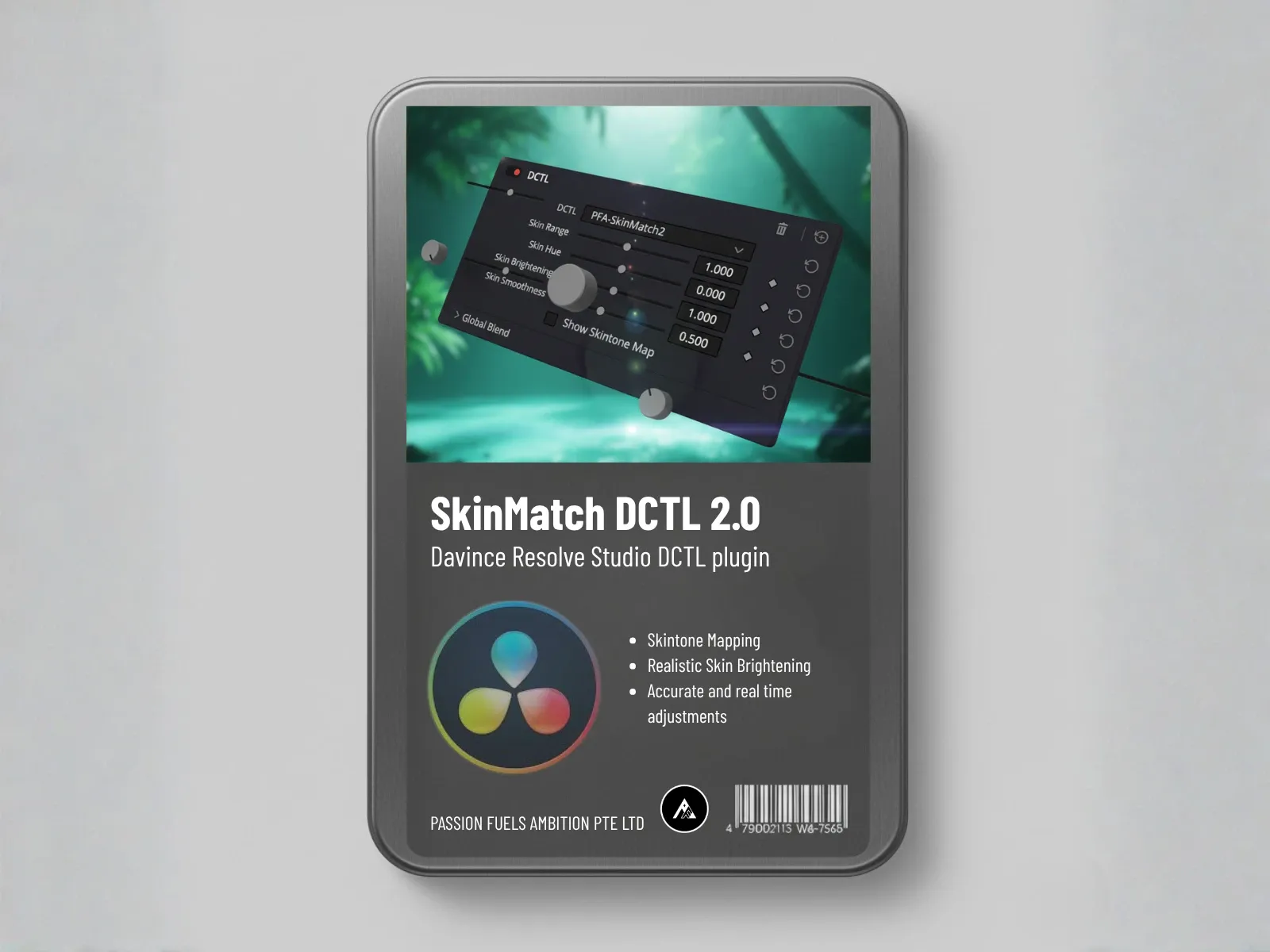
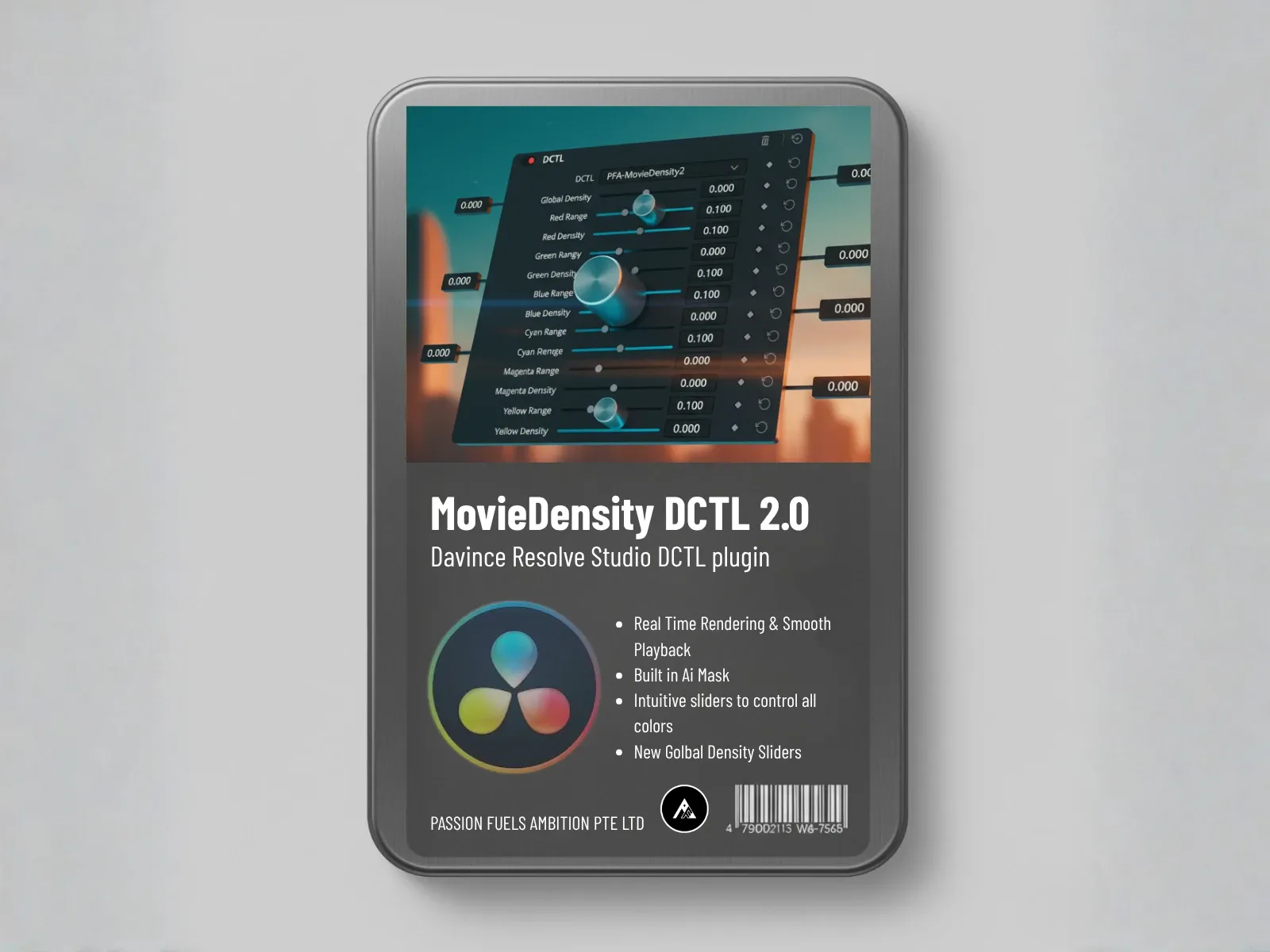
Essential DCTL tools for speed include the Color Slider for quick luminance and chrominance separation, SkinMatch for instant skin tone correction, and Movie Density for adding film-like color density without complex node trees. PFA offers these as free DCTL tools that you can test in your own workflow.
5. Power Window and Tracking Automation
Manual power window tracking is incredibly time-consuming. Drawing a window around a face, tracking it through a scene, and adjusting the grade for that specific area can take 30 minutes or more for a single shot.
DaVinci Resolve Neural Engine includes auto face tracking, auto object tracking, and auto mask generation. These tools use AI to identify and track subjects automatically, reducing what used to be manual rotoscoping work to a few clicks.
The face refinement tool alone saves enormous time on dialogue-heavy projects. It automatically identifies faces, tracks them through movement, and gives you dedicated controls for skin smoothing, eye brightening, and lip enhancement without manual masking.
The Combined Time Savings
When you combine all five tool categories, the time savings compound. A project that would take 40 hours of manual grading can be completed in 8 to 10 hours with the right tools. That is an 80 percent reduction in grading time while maintaining or improving quality.
The workflow looks like this. Start with AI color matching to normalize your shots. Apply a film emulation preset as your base grade. Use DCTL tools for specific color adjustments. Add power window automation for targeted corrections. Finish with film texture tools for grain and halation. Each step replaces manual node work with intelligent automation.
For a complete breakdown of the correct color grading order when using these tools, read our step-by-step workflow guide. And if you want to see how fast one-click grading can be, check out the 1 Click Color Grading with CinePulse AI tutorial.
How Much Time Can You Save with the Right Color Grading Tools?
Professional colorists report 80-90% time savings when using comprehensive plugins like PFA Color Suite compared to manual node-by-node grading. The savings come from having all grading functions in one plugin interface, AI-assisted one-click looks, and the elimination of repetitive correction work across shots.
Frequently Asked Questions
Can AI tools really replace manual color grading?
AI tools handle technical tasks like shot matching and auto correction faster than manual work, but creative grading decisions still require human judgment. The best workflow uses AI for speed and manual control for creative intent.
What is the single biggest time saver in color grading?
Shot matching. Matching shots from different cameras is the most repetitive and time-consuming task in grading. AI shot matching cuts this from 10 minutes per shot pair to seconds.
Do preset tools make all your grades look the same?
Only if you use them as final grades. Professional colorists use presets as starting points and adjust for each project. A preset gives you a direction, not a destination.
Are DCTL tools faster than regular Resolve nodes?
Yes. DCTL runs on the GPU directly, bypassing Resolve node processing overhead. Complex color math that takes multiple nodes can be done in a single DCTL node with better performance.