Most AI color grading tools give you the same result on every machine. That is because they use pre-trained models, not your actual preferences. PFA Color Suite takes a different approach. Its CinePulse AI engine learns your personal grading style by watching how you work, then generates looks that match your taste. This is an AI color grading plugin that actually learns from you. Whether you colour grade in DaVinci Resolve or edit in Premiere Pro, the workflow stays seamless.
Why Most AI Color Grading Plugins Feel Generic
The AI color grading tools on the market today follow the same pattern. You feed them a reference image or type a prompt, and they output a cinematic look based on a generalized model trained on thousands of images. The result is technically correct but creatively flat. It does not reflect your eye, your taste, or the way you actually color grade footage. When you colour grade manually, every decision carries intention. AI that ignores that intention gives you a generic result.
Colorists have raised this concern repeatedly. When two editors run the same AI-powered tool on the same footage, they get identical results. That is not personalization. That is automation wearing an AI label. If you have tried colour grading with any of the major grading tools out there, you know exactly what this feels like. The best color grading tools respect the individual workflow of each colorist.
The problem with LUT-based plugins is the same — they apply a one-size-fits-all transformation regardless of the footage, the mood, or the colorist intent. Even the best color grading software in the world cannot fix a tool that ignores your creative choices.
How CinePulse AI Learns Your Color Grading Style
CinePulse AI is built differently. It uses a local learning management system that runs on your own computer. Every time you manually adjust a slider, refine a color grade, or save a preset, CinePulse AI records your behavior patterns. Over time, it builds a model of how you think about color. Whether you colour grade for YouTube content or colour grade for client work, the AI adapts to your style. The more you color grade with PFA Color Suite, the more accurate the AI becomes at matching your creative vision.
This means two things:
- Your CinePulse AI is unique to you. The look it generates on your machine will differ from the look it generates on someone else’s machine, even with the same footage. That is not a bug. That is the point.
- The more you use it, the better it gets. Each manual adjustment teaches the engine. Each saved preset becomes a reference point. Eventually, CinePulse AI generates looks that feel like you made them, because it learned from how you make them.
This is the difference between an AI color grading pipeline that processes your footage and a true color grading assistant that understands your creative direction.
The 17 Engines Behind the AI
CinePulse AI does not work in isolation. It is powered by 17 individual tools built into PFA Color Suite, each using 32-bit float math with zero LUT implementation. Unlike other color grading plugins that bundle fixed LUTs and sell them at premium prices, every tool in PFA Color Suite is fully customizable.
Here is how the key engines work together:
Color Density: Subtractive Color Science
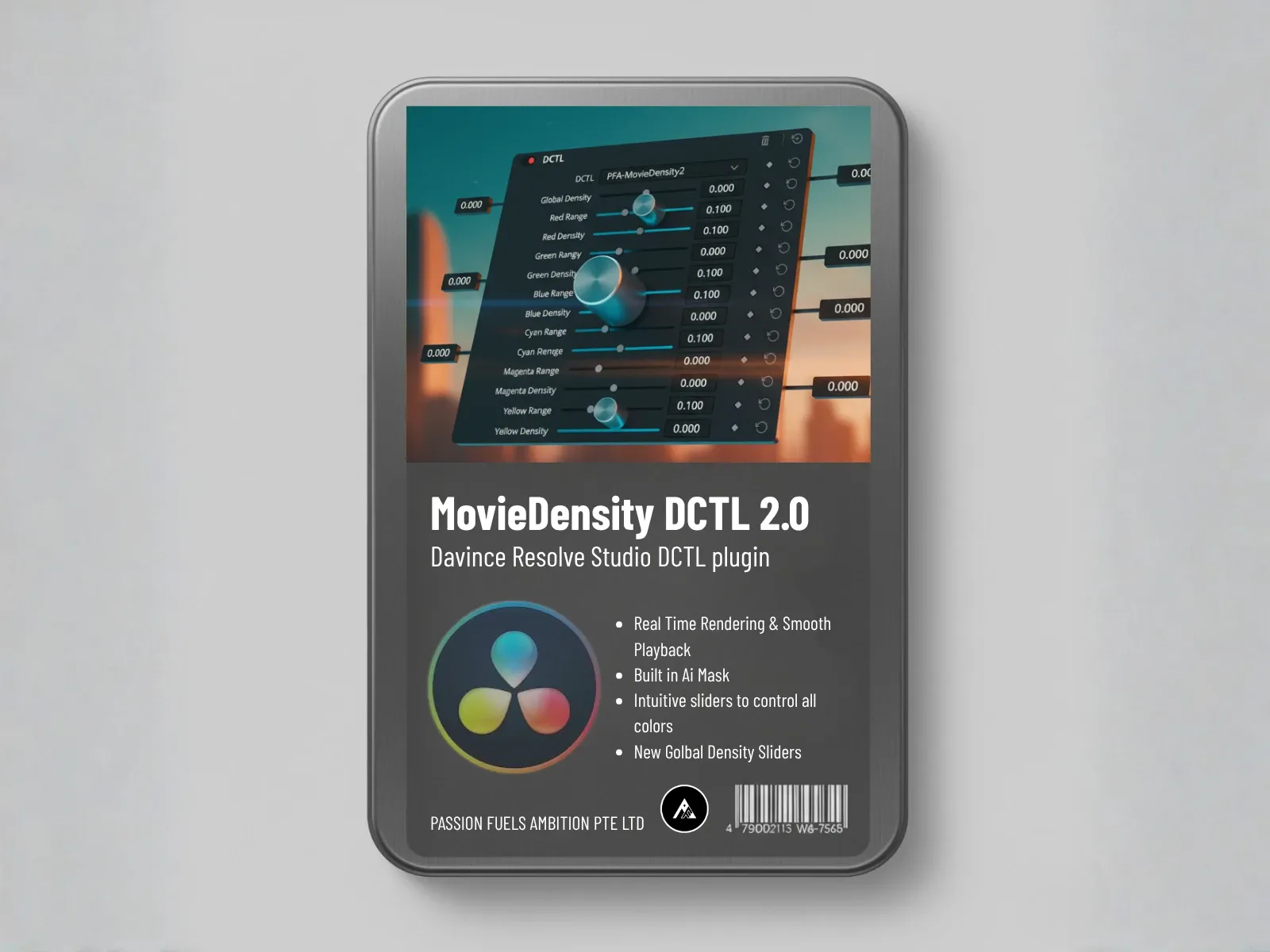
Most color grading tools brighten pixels when you increase saturation. The Color Density engine in PFA Color Suite does the opposite. It simulates the physics of actual film stocks. When you increase saturation, it pulls brightness down, blocking more light just like real film emulsion does.
You can target specific color ranges using the mask system. Want more density in the greens without touching the reds? Select the green range and increase red density. The engine identifies the correct pixels and adjusts only those. This gives you per-channel control that traditional HSL sliders cannot match.
Color Swap: Hue Shifting Without Brightness Shifts
The Color Swap engine lets you shift hues across a 360-degree range. But unlike standard saturation controls that brighten pixels as you shift color, Color Swap keeps the luminance stable. Red becomes purple, red becomes pink, red stays red. The choice is yours, and the brightness does not change.
This matters because real color grading is about mood, not just color. A teal and orange palette tells a different story than a teal and pink palette. Color Swap lets you build that story precisely.
Color Extraction: Isolating Colors for Dramatic Effect
Color Extraction lets you remove colors from a frame by narrowing the hue range. Reduce all the yellows, and you isolate the remaining colors. This is powerful for creating desaturated looks with selective color pops, and every parameter is keyframeable. You can animate from full color to isolated color and back.
Color Skin: Precision Skin Tone Control
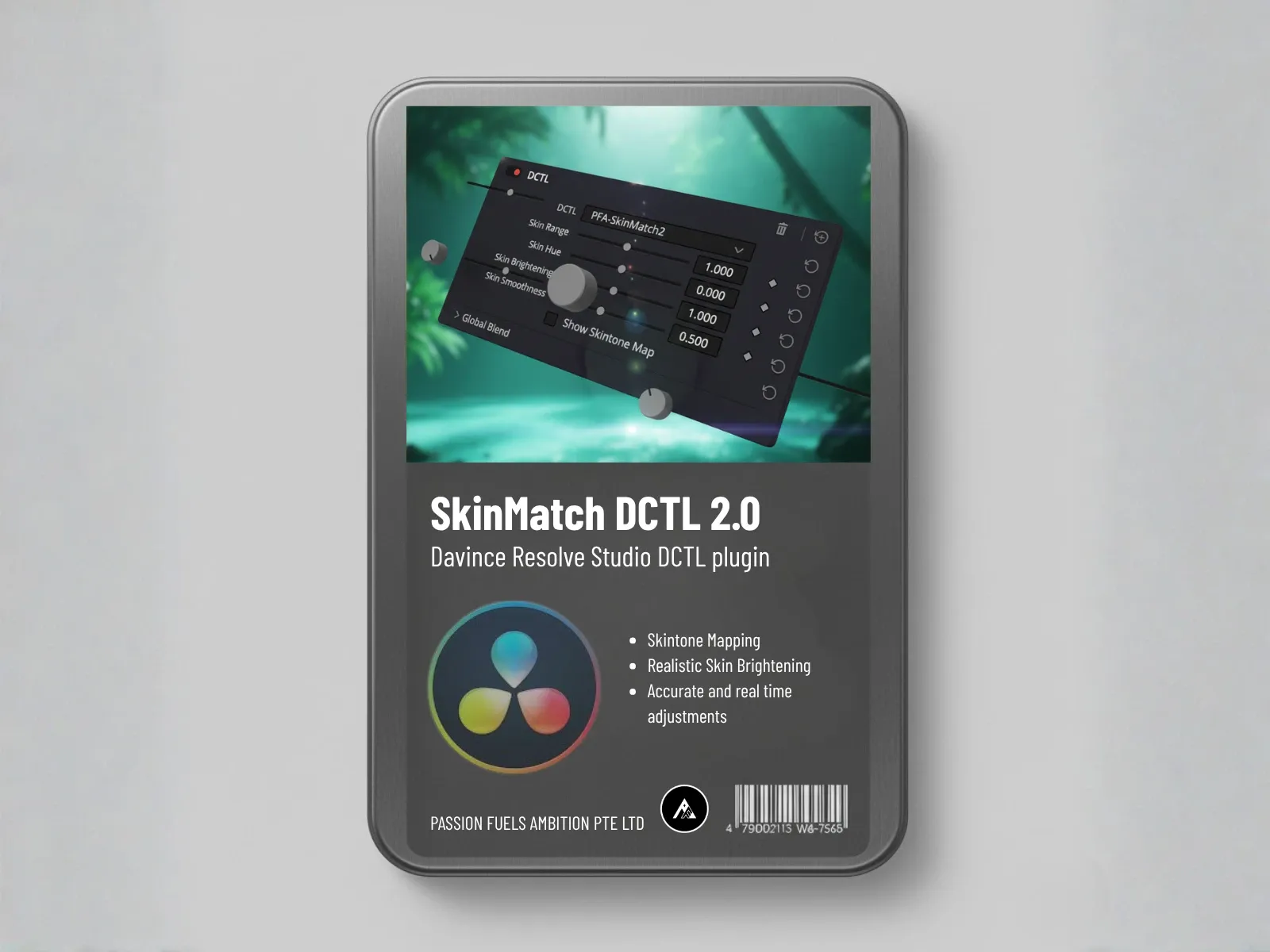
The Color Skin engine aligns your skin tones to the orange axis on the vector scope. From there, you use Color Density to adjust skin tone richness without oversaturating or blowing out the highlights. It is a clean, technical approach to what is usually the hardest part of color correction.
Film Mixer: Building Color Palettes
The Film Mixer engine consists of three tools: Film Mixer, Film Separation, and Film Printer Lights. Together, they build color palettes by compressing unnecessary colors and stretching the ones that matter. This is a form of film emulation that works at the pixel level, not by applying a canned LUT.
Want a teal and orange look? Film Mixer massages the vectorscope into a normalized teal and orange palette. Want a toxic green magenta vibe? Push those channels and the entire image shifts. This is palette building, not just color adjustment. Every colorist who has tried to create cinematic looks knows how difficult this is with standard LUTs.
Film Separation stretches your palette across the red-cyan axis to increase or decrease color separation. Film Printer Lights inject color into specific tonal ranges, like adding green to shadows for a vintage mood. It works with the precision of a 3D LUT but without the computational overhead, and includes shadow protection and skin protection masks.
Manual Grading Trains the AI
Here is the workflow that makes CinePulse AI powerful. Every color grade you build manually becomes training data for the AI. The color grade you create is not just a one-time result. It is a lesson that CinePulse AI absorbs and uses to generate better looks in the future.
- Start with Correction LOG. Use the LOG Exposure and White Balance tools to nail your foundation. The engine analyzes the frame and calibrates all sliders automatically, but you can fine-tune everything manually. This is the same color correction workflow professional colorists use.
- Build your look manually. Use Color Density, Color Swap, Film Mixer, and the other engines to create your grade. This takes about 10 minutes for a professional-level result. Every color grade you build trains the AI.
- Let CinePulse AI learn. As you work, CinePulse AI records your adjustments. After a few sessions, it understands your preferences for density, palette, contrast, and mood.
- Generate looks in one click. Once trained, CinePulse AI can generate a complete look from your learned style in one click. The result is immediately usable, and every parameter remains adjustable.
This is the key difference from other AI implementations. When other tools generate a look, it is a locked result. You cannot adjust what the AI decided. With PFA Color Suite, the AI generates a starting point, and you calibrate every parameter from there. The AI saves you time, but you keep creative control.
Why Two Machines Get Different Results
This is the question colorists ask most often about CinePulse AI. The answer is simple: the learning model is local. It lives on your computer, not on a cloud server. Your CinePulse AI learns from your manual grading sessions, your saved presets, and your adjustment patterns.
A different machine has different manual grading history. Different presets. Different behavior patterns. So it generates different looks. This is not inconsistency. This is personalization working exactly as designed.
For colorists learning the fundamentals, this means CinePulse AI grows with you. As you develop your eye and refine your technique, the AI evolves alongside you.
The 32-Bit Float Math Advantage
Every engine in PFA Color Suite uses 32-bit floating point math. This means every calculation maintains full precision from input to output. No rounding errors, no banding, no quality loss from repeated adjustments.
Compare this to plugins that use LUTs internally. A LUT is a fixed lookup table with limited precision. Running your footage through multiple LUT-based tools compounds the quality loss. With 32-bit float math, you can stack as many adjustments as you want without degrading the image.
Blackmagic Design’s DaVinci Resolve uses 32-bit float processing throughout its color page, and PFA Color Suite matches that standard. This is why the plugin feels native to Resolve rather than bolted on.
From 10 Minutes to 10 Seconds
Building a professional color grade manually takes about 10 minutes per shot. With CinePulse AI trained on your style, the same quality of color grade generates in about 10 seconds. That is not replacing your skill. It is amplifying it. Every color grade you build makes the AI smarter, and every preset you save teaches it your preferences.
The AI handles the repetitive work of building the look. You handle the creative decisions about what the look should be. This is the workflow that lets a solo colorist working in video editing grade an entire short film in the time it used to take to grade three scenes. Whether you work in DaVinci Resolve, Premiere Pro, or Final Cut Pro, the color grade you build is yours alone.
What Is Next for PFA Color Suite
The development team is approaching 1,800 lifetime license holders, which means the lifetime offer will sell out soon. After that, PFA Color Suite will move to a subscription-only model.
A Final Cut Pro version of PFA Color Suite is also in development, expected by the end of June 2026. This will bring the same 17-engine architecture and CinePulse AI learning to Final Cut users, closing the gap between Resolve and FCP workflows.
With the free DCTL demo bundle, you can try several of these engines before committing. It gives you a feel for the 32-bit float math approach without spending anything.
Frequently Asked Questions
Does CinePulse AI send my data to a cloud server?
No. CinePulse AI runs entirely on your local machine. Your grading data, presets, and learning model never leave your computer. This is why the AI behaves differently on different machines — it learns from your local work, not from a shared cloud model.
Can I adjust the look CinePulse AI generates?
Yes. Every parameter the AI sets is fully adjustable. You can refine exposure, tweak color density, shift hues with Color Swap, or rebuild the palette with Film Mixer. The AI gives you a starting point, not a locked result.
How long does it take for CinePulse AI to learn my style?
You will notice the AI adapting after your first few manual grading sessions. The more you use the tools and save presets, the more accurately CinePulse AI mirrors your preferences. Most users report the AI feels personalized after 5 to 10 manual grading sessions.
Is PFA Color Suite compatible with DaVinci Resolve’s free version?
PFA Color Suite is an OFX plugin that works with both the free and Studio versions of DaVinci Resolve. The plugin installs directly into Resolve’s OFX plugin folder and appears in your Effects library.
What makes PFA Color Suite different from Colourlab AI or other AI grading tools?
Unlike tools that use pre-trained cloud models, CinePulse AI learns from your actual grading behavior on your local machine. Other AI tools give you generic results based on generalized training data. CinePulse AI gives you personalized results based on your own creative choices. Additionally, every adjustment uses 32-bit float math with zero LUT implementation, preserving full image quality.
Get Started with PFA Color Suite
If you want an AI color grading plugin that learns your style instead of ignoring it, PFA Color Suite is built for that exact purpose. The 17-engine architecture gives you manual control, and CinePulse AI learns from how you use it.
Use the promo code thankyou2026 for 45 percent off the lifetime license before it sells out. Start with the free trial and see how CinePulse AI adapts to your workflow.
Or grab the lifetime subscription before the 1,800 quota closes. Once it is gone, it switches to subscription only.
Passion Fuels Ambition. I will see you in the next grade.