AI Color Grading Is Finally Here in Premiere Pro and After Effects
For years, Premiere editors have had to accept a compromise. You cut your sequence, then round-trip to DaVinci Resolve just to get a proper color grade. That workflow is slow, it breaks your momentum, and it costs you hours. AI color grading changes that equation entirely. With PFA Color Suite 13.3, you can now execute a professional, multi-stage color grading pipeline directly inside Premiere and After Effects, using intelligent processing, film-accurate color science, and personal style training that learns from your own grading decisions.
Why Color Grading in Premiere Has Always Been a Compromise
Premiere has a competent Lumetri Color panel. But competent is not the same as professional. When you work on a commercial project, a music video, or a short film, you need channel-level precision. You need subtractive color science that behaves like actual film stock. You need the ability to train a model on your personal grading style and apply it across dozens of shots with one click.
Until now, those tools only existed in DaVinci Resolve. The PFA Color Suite plugin for Premiere closes that gap. It gives you 130-plus parameters of free control, running on 32-bit float math, with no LUT-based approximation. Every adjustment is computed in real time on the actual image data. This is the color grade quality that was previously impossible without switching NLEs.
How AI Color Grading Works in Premiere
The process follows a professional color grading chain, but each stage is accelerated by intelligent automation. Here is how it works:
Step 1: LOG Conversion. The Correction LOG engine analyzes your footage and converts it from any log format (S-Log, C-Log, V-Log, BRAW) to Rec.709 with one click. It handles exposure and white balance simultaneously, using three groups of parameters to nail the foundation. Getting this right makes every adjustment downstream more effective.
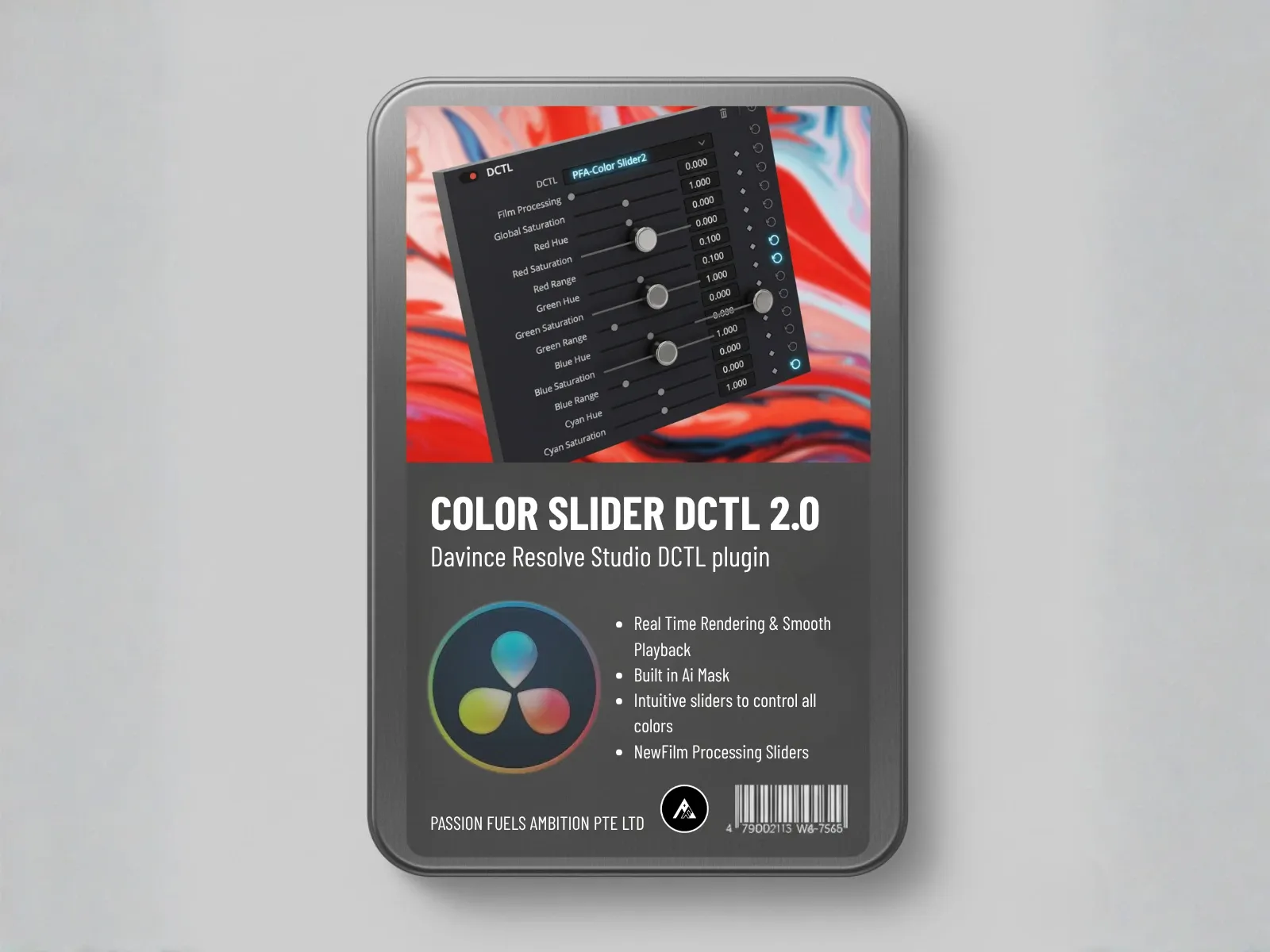
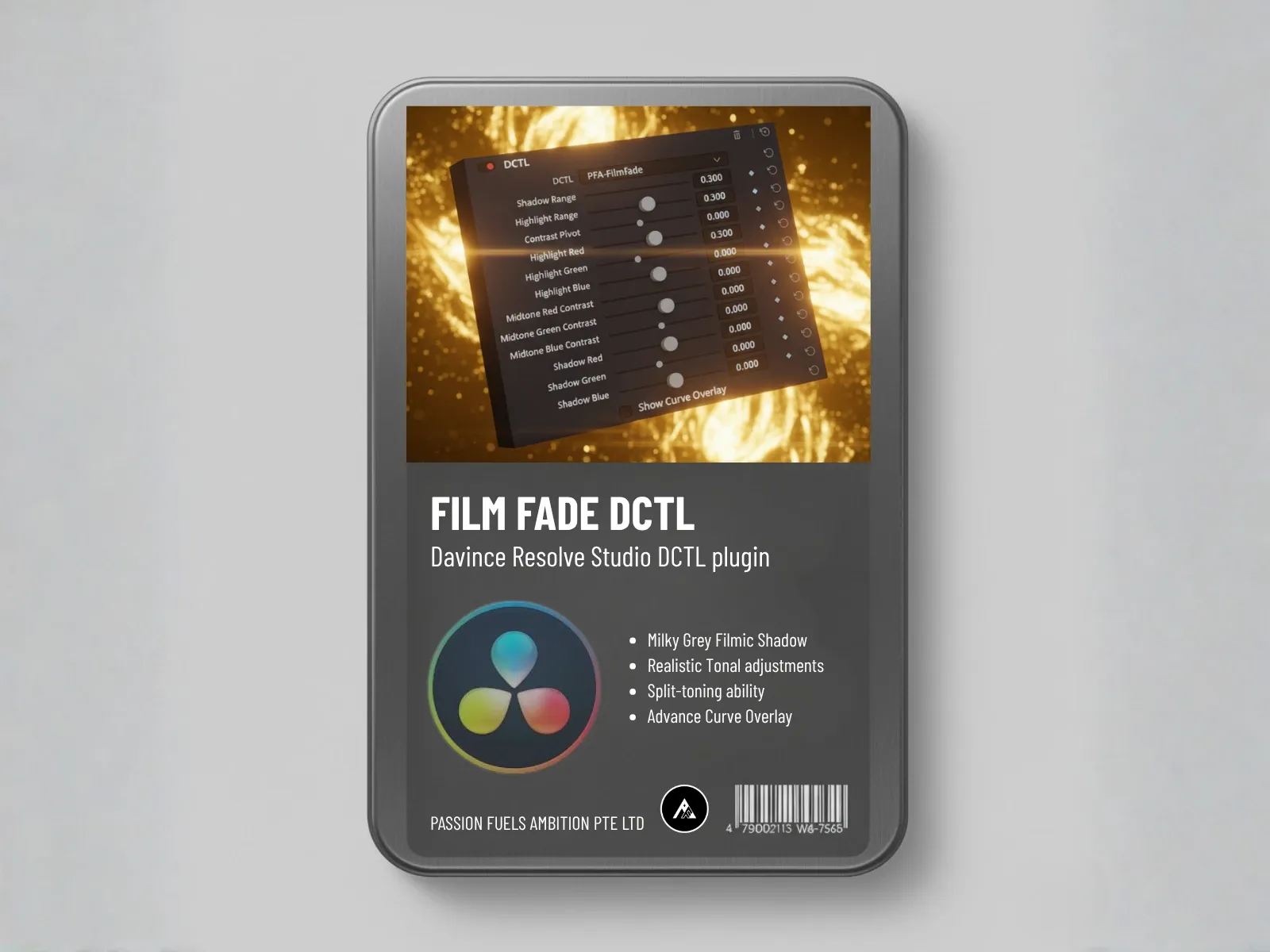
Step 2: Contrast and Tonal Shaping. Film Spectral Contrast gives you channel-level control over red, green, and blue contrast independently. A single slider on red contrast brings organic vitality to an image without clipping. Film Tonal Curve lets you create that milky gray shadow lift that cinematographers chase, by adjusting black point and shadow softness with precision.
Step 3: Split Tone and Secondary Manipulation. Film Split Tone introduces different color treatments to shadows and highlights independently. Color Swap lets you target specific hues and shift them, with visual masks showing exactly which pixels are affected. This is where you start building a unique look.
Step 4: Tertiary Refinement. Film Mixer operates on RGB channel crosstalk, not control zones. That means it works equally well on 8-bit, 10-bit, and 12-bit footage. Film Separation lets you stretch your palette along specific vector scope axes. Film Printer Lights simulate time-of-day lighting by adjusting RGB channels the way a film lab timer would.
What Makes This Different from Lumetri or Other Plugins
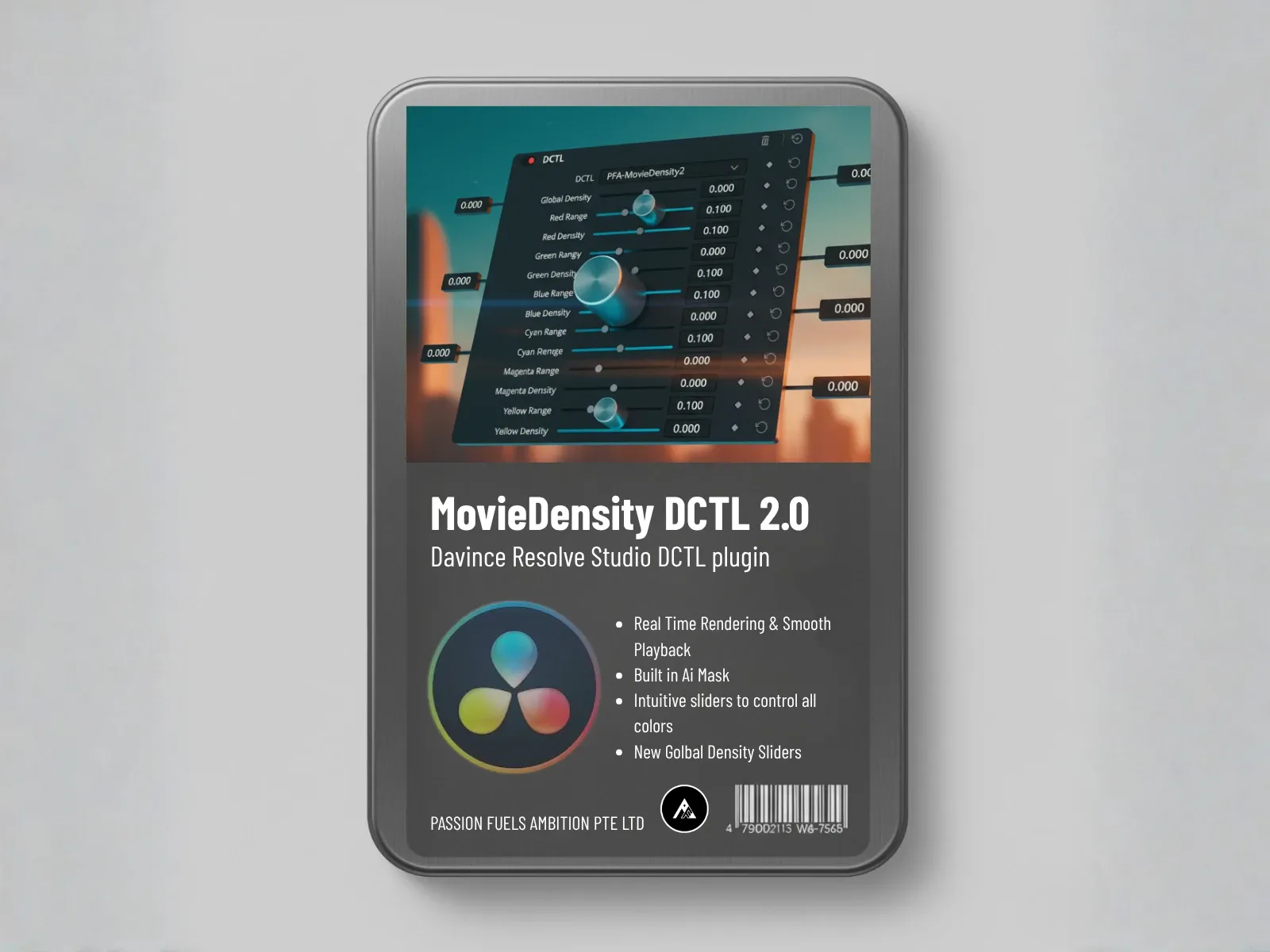
Most color correction tools in Premiere use additive color science. When you push saturation up, pixels get brighter. That is how digital sensors work, but it is not how film works. Film uses subtractive color chemistry based on the Beer-Lambert Law. More dye in the emulsion blocks more light. PFA Color Suite builds that physics directly into the Color Density engine. When you increase saturation, the image gets darker, just like real film. That subtle difference is what separates a digital-looking grade from a cinematic one.
Compare this to what other options offer. Tools like ColourLab AI focus primarily on automated color management and log conversion. The AI Color Match plugin on aescripts handles shot matching only. Neither gives you the full creative palette of a professional grading suite. PFA Color Suite covers the entire chain from initial calibration to tertiary look design.
How CinePalette AI Trains on Your Personal Style
This is where the intelligent component becomes genuinely useful. After you build a grade manually using all the tools in the pipeline, CinePalette AI lets you export that grade as training data. The system learns your style, your color preferences, your contrast choices. Then, when you move to the next shot on your timeline, you click one button and the system generates a grade based on what it learned from you.
It is not a generic preset. It is a personalized model trained on your actual creative decisions. You can refine the output with small adjustments, then add those refined grades back into the training set. The model gets smarter with each iteration. This is the same technology available in the DaVinci Resolve version, and now it works identically in Premiere Pro and After Effects.
Cross-Platform Presets: One Grade, Any NLE
The Preset Manager saves your complete grading setup as a reusable preset. Load that preset in Premiere, and every slider, every curve, every trained parameter applies exactly as you set it. Load the same preset in DaVinci Resolve, and you get the identical result. The architecture was designed from the ground up for cross-platform consistency.
This matters for real production workflows. You might edit a sequence in Premiere, do heavy compositing in After Effects, and need a final polish pass in Resolve. With PFA Color Suite, your creative intent travels with you. No rebuilding grades from scratch. No guessing what slider values translate between different software.
Can AI Replace Manual Color Work in Premiere?
The honest answer is yes, but with an important caveat. Intelligent automation is not replacing the colorist. It is replacing the tedious parts of the job. The initial LOG conversion, the baseline contrast setup, the shot-to-shot consistency, those are all tasks where automation delivers speed without sacrificing quality. The creative decisions, the emotional intent, the final polish, those remain firmly in human hands.
The way PFA designed this system reflects that philosophy. Every suggestion is built on top of a foundation of manual control. The LOG converter gives you a starting point, then you fine-tune with 130-plus sliders. CinePalette generates a grade based on your training data, then you refine it with Color Density, Film Mixer, and Film Printer Lights. The technology accelerates your process. It does not replace your taste.
Blackmagic Design’s official documentation on color science and PremiumBeat’s tutorials on professional grading both emphasize the importance of a proper color management pipeline. PFA Color Suite delivers that pipeline inside Premiere.
Why LUTs Are Holding Your Color Grading Back
A LUT is a 64-by-64 or 33-by-33 grid of pre-computed values. It maps input colors to output colors. That is it. When you apply a LUT to 4K footage from a $5,000 camera, you are forcing millions of color values through a grid that contains a few thousand data points. The math does not work.
PFA Color Suite does not use LUTs at any stage of the process. Every tool computes on the full 32-bit float image data in real time. That is why the LOG converter can adapt to any format from any camera. That is why Color Density can manipulate individual color channels without banding or posterization. That is why the generated grades from CinePalette look natural instead of processed.
If you are still relying on LUT packs for your creative work, you are accepting a fundamentally limited approach. The free Rec.709 LUT pack is useful for quick previews, but your final grades deserve better. To streamline your entire process, invest in tools that compute on actual image data.
The Future of Color Grading in Premiere
PFA Color Suite 13.3 launches in one week. This version brings CinePalette AI training to Premiere Pro and After Effects for the first time. It works across DaVinci Resolve, Adobe Premiere, and After Effects. A Final Cut Pro version is already in development with a dedicated team polishing the implementation.
The current pricing increases when version 13.3 ships. If you want to test every feature before the increase, the free trial gives unlimited access to all tools. Use promo code 10.96 for 45% off when you decide to commit to a license. For the complete lifetime subscription, now is the window to lock in the best price.
For editors who have been waiting for professional-grade color grade tools inside Premiere, this is the release that makes the wait worth it. The full pipeline, the intelligent training, the cross-platform consistency, all in one plugin. No compromises.
Frequently Asked Questions
Can you do professional color grading in Premiere Pro?
Yes. With the PFA Color Suite plugin, Premiere supports a full professional color grading pipeline including LOG conversion, channel-level contrast, subtractive color density, split toning, tertiary color mixing, and intelligent style training. The plugin provides over 130 parameters of control running on 32-bit float math.
Does PFA Color Suite work in After Effects?
Yes. PFA Color Suite 13.3 is compatible with both Premiere and After Effects on Windows and Mac. The same tools, the same training, and the same presets work identically across both applications.
How is CinePalette AI different from other AI color tools?
CinePalette AI trains on your personal grading style instead of applying generic looks. You build a grade manually, export it as training data, and the system learns your color preferences and contrast choices. Each new shot gets a personalized grade based on your actual creative decisions, not a one-size-fits-all algorithm.
Do I need DaVinci Resolve if I have PFA Color Suite?
For most editing workflows, no. PFA Color Suite covers the entire color grading chain from LOG conversion to tertiary look design directly inside Premiere. However, if your post pipeline specifically requires Resolve for finishing or delivery, the presets and grades work identically across both platforms.
Is there a free trial available?
Yes. PFA Color Suite offers a free trial with unlimited access to all features. You can test every tool, run training, save presets, and apply grades across multiple shots. The trial is available on the PFA Color Suite free trial page.