Free DCTLs for Color Grading in DaVinci Resolve: Enhancing Your Color Workflow
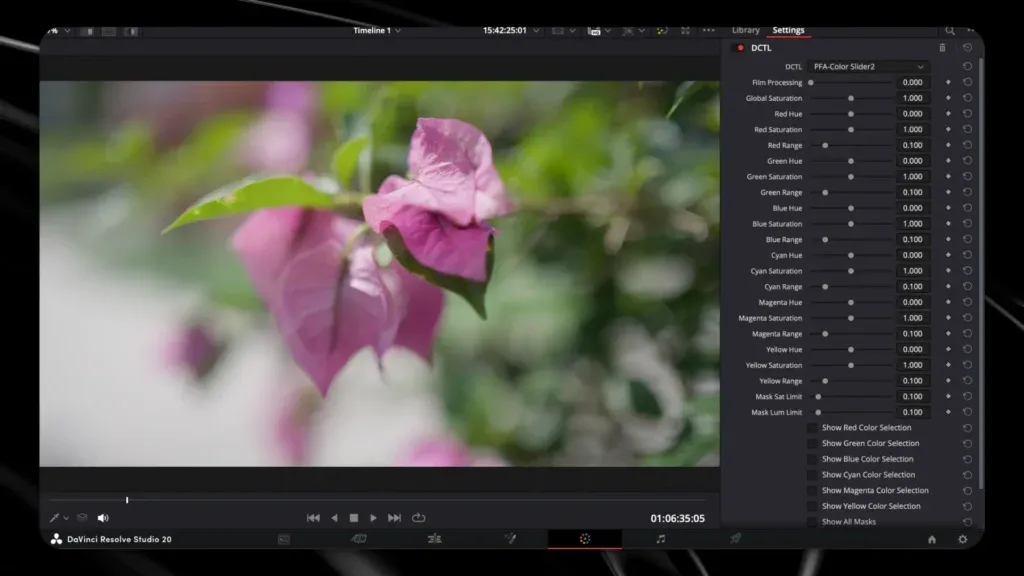
DaVinci Resolve is a powerhouse for color grading, and the addition of DCTLs elevates its capabilities even further. This article delves into the world of free DCTLs, offering colorists and video editors a way to enhance their workflow and achieve cinematic precision. We’ll explore what DCTLs are, how they function within DaVinci Resolve, and the distinct advantages of incorporating free DCTLs like the PFA Demo Bundle into your process.
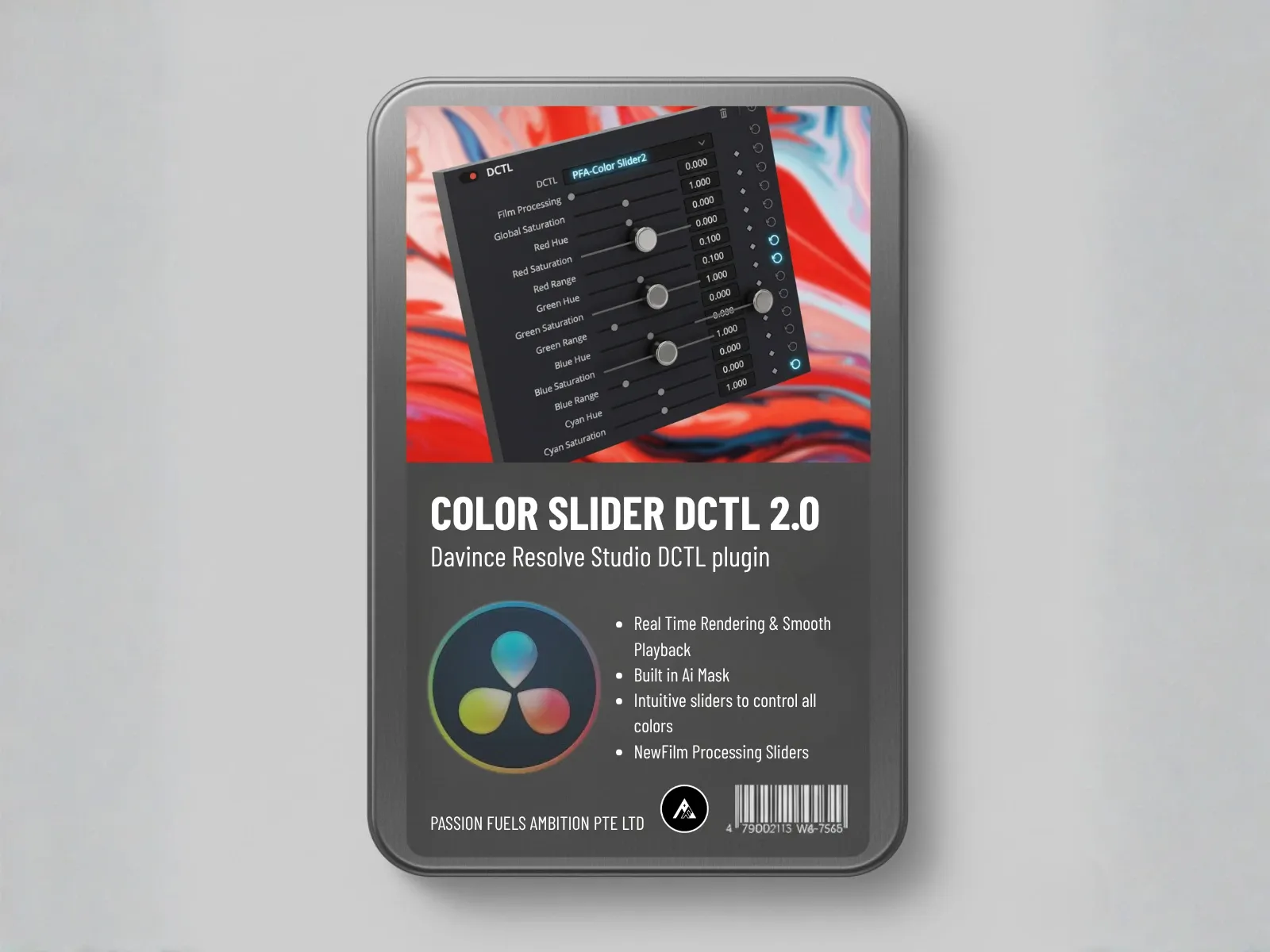
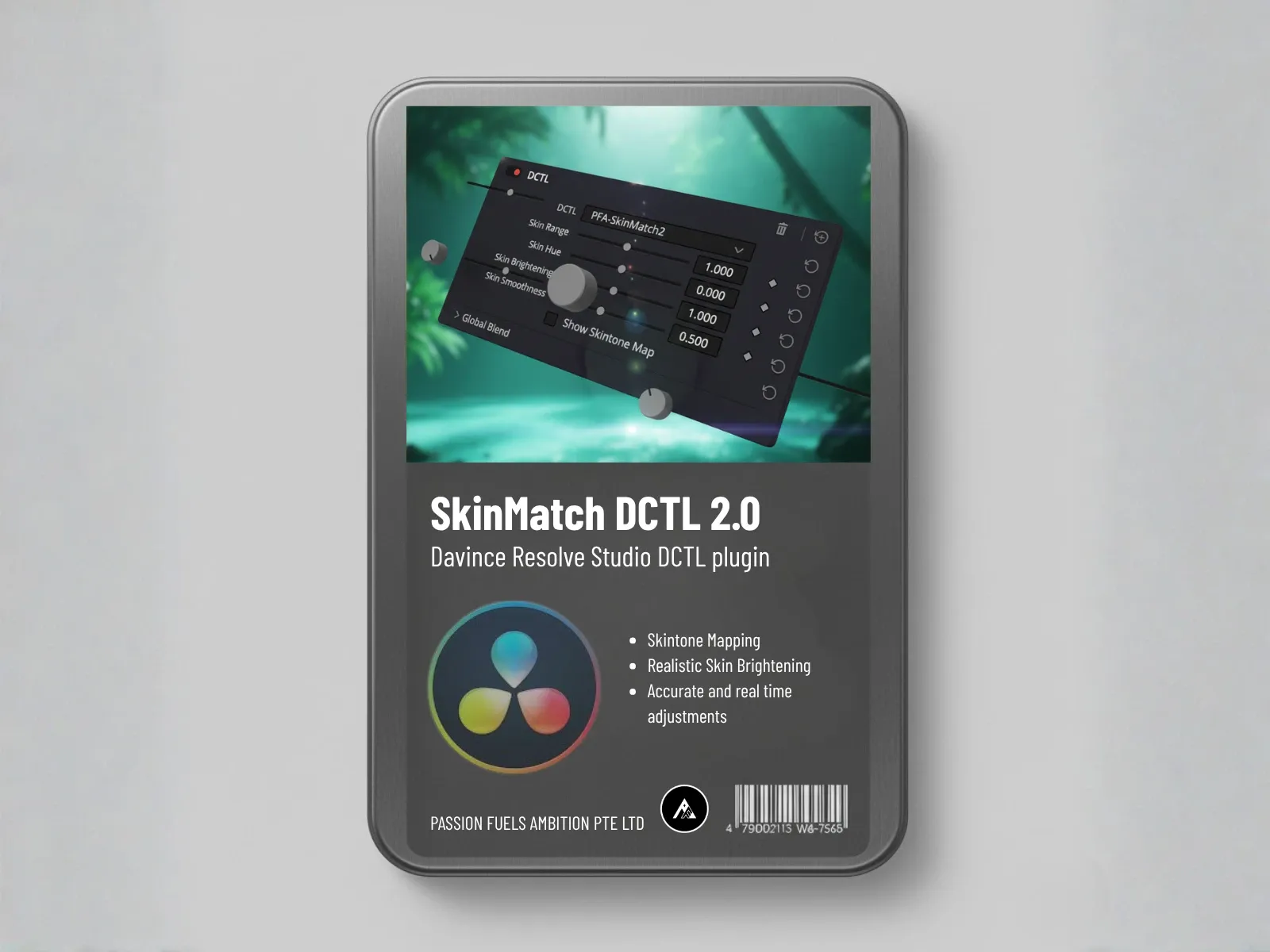
We provide a direct link to download our amazing in-house FREE DCTLs Demo Bundle so you can test the Color Slider DCTL, SkinMatch DCTL, and more with zero commitment.
Understanding DCTLs in DaVinci Resolve
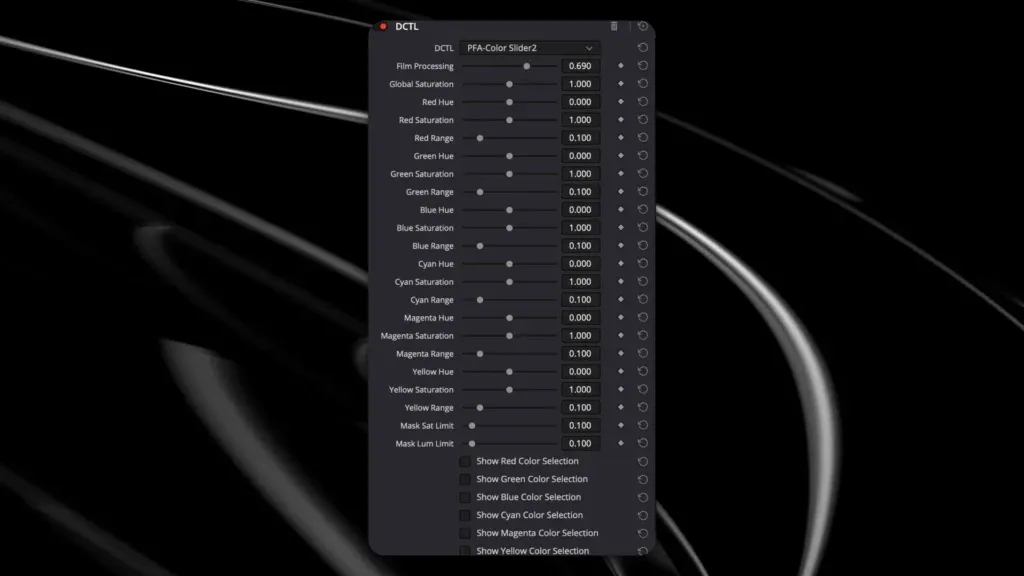
This section provides a foundational understanding of DCTLs within the DaVinci Resolve environment, essential for users looking to master their color workflow.
What are DCTLs?
DCTL stands for “DaVinci Color Transform Language,” a scripting language developed by Blackmagic Design. DCTLs function as custom color transforms within DaVinci Resolve, enabling colorists to manipulate color in ways not possible with the built-in tools.
A DCTL allows end users to define mathematical operations that alter the color and luminance values of each pixel. These operations can range from subtle exposure adjustments to complex color space transformations, offering precise control over the final image.
How DCTLs Enhance Color Grading
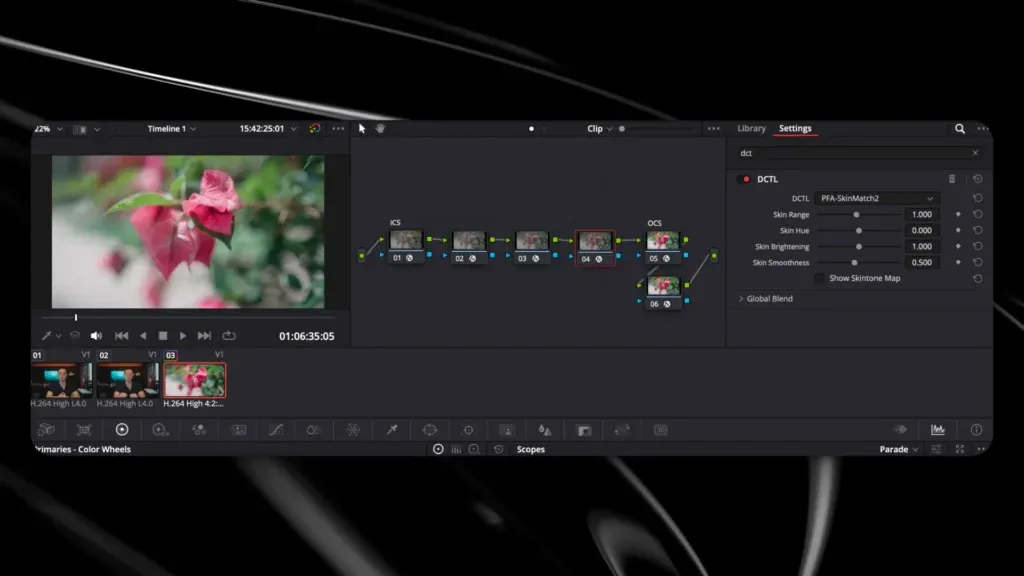
DCTLs enhance color grading by providing a flexible means of implementing specific transformations or visual effects. They allow the colorist to perform advanced adjustments, such as creating a film look, emulating different color film stocks, or fixing various exposure and color issues.
DCTLs are particularly useful for tasks like skin tone adjustments (like with our SkinMatch DCTL), precise color separation (like with our Color Slider DCTL), or implementing filmic contrast curves, providing an alternative to traditional node-based techniques.
Benefits of Using Free DCTLs
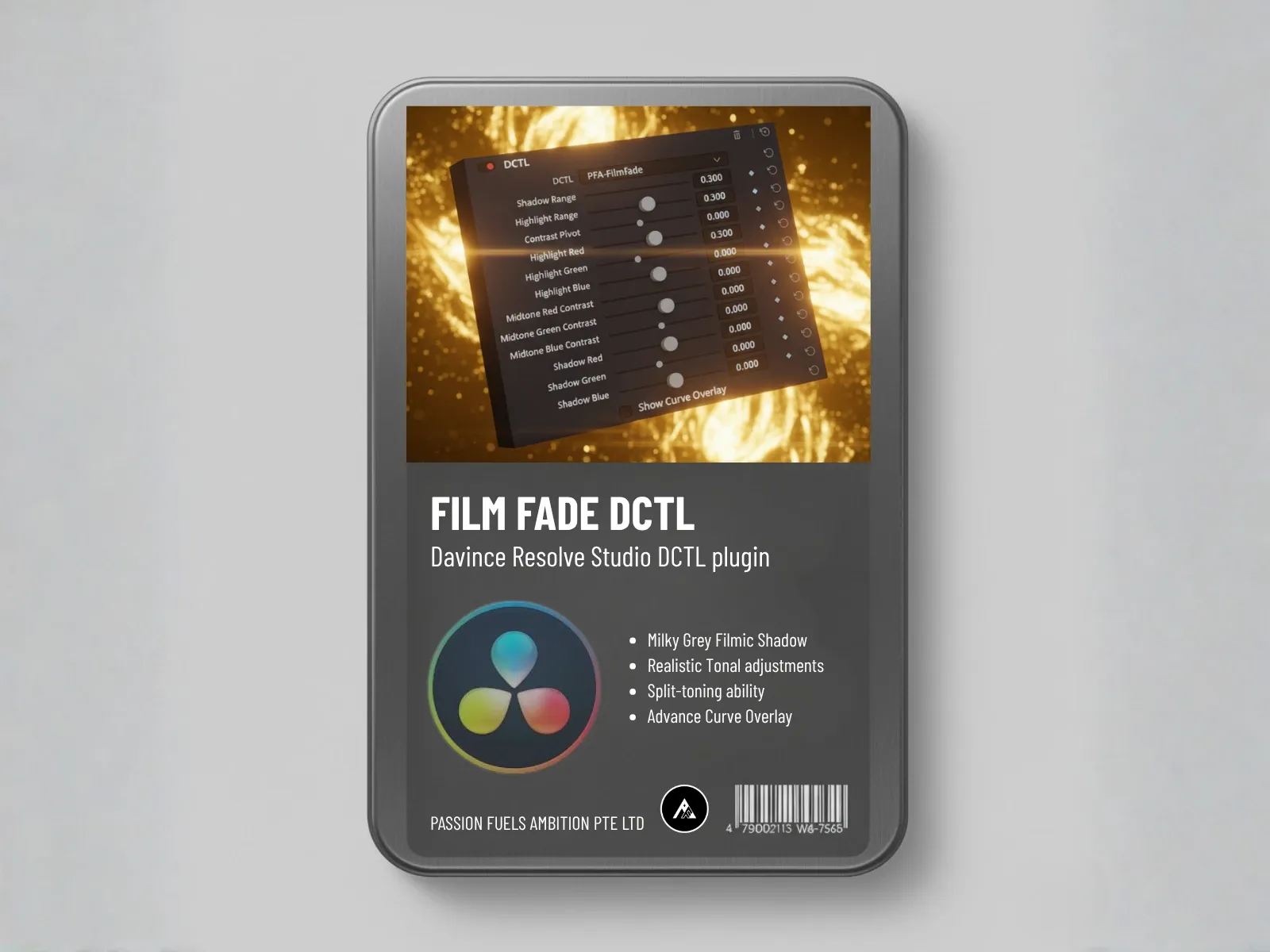
The primary benefit of using free DCTLs is the expansion of your color grading toolset without any financial investment. Free DCTLs provide access to a wide variety of pre-built color transformations and effects. These can be used to shift colors, split tone highlights and shadows (like with FilmFade DCTL), or perform complex conversions.
Furthermore, testing free DCTLs,especially our PFA Demo DCTLs bundle,serves as a learning experience, helping colorists understand advanced techniques, evaluate tool performance on their system, and significantly improve their workflow.
Integrating DCTLs into DaVinci Resolve
Integrating a DCTL into DaVinci Resolve is a straightforward process, though it has one crucial step to ensure the code activates.
Setting Up Your Color Grading Workflow
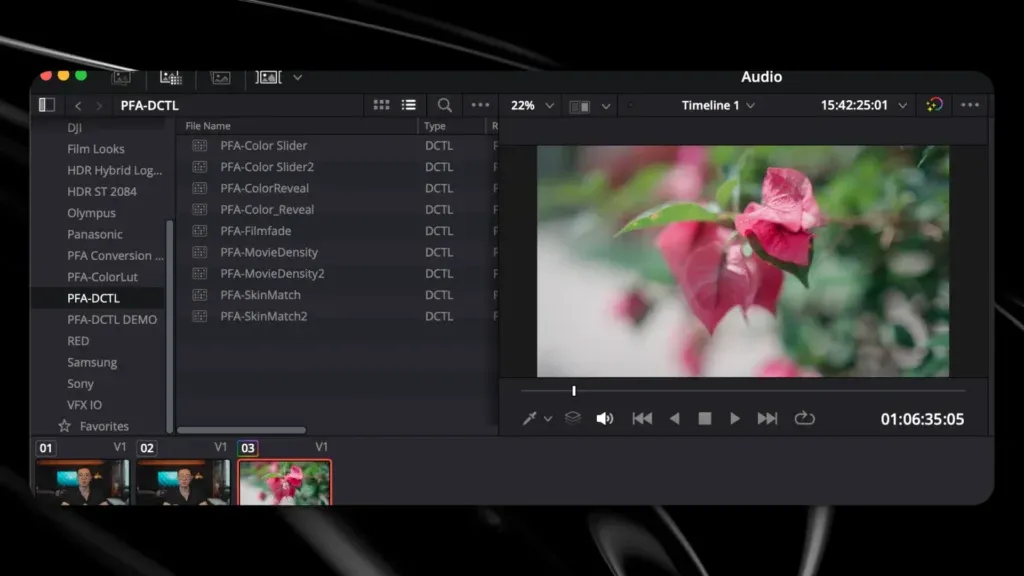
Integrating a DCTL into DaVinci Resolve is a straightforward process. Here’s how you can do it:
- First, download the DCTL file from a trusted source, such as the Passion Fuels Ambition PFA Demo DCTLs bundle.
- Then, navigate to the Color Page, find the LUTs tab, right-click, and select “Review in Finder” (or “Show in Explorer”).
- Place the DCTL file (the
.dctlfile) into this appropriate folder within the DaVinci Resolve application directory. - End users must restart DaVinci Resolve (a hard refresh) for the DCTL code to be correctly initialized. The DCTL will then be available as an effect in the Color panel, ready to be applied to your footage.
Common Tools to Pair with DCTLs
Several common tools complement DCTLs in DaVinci Resolve, enhancing their effectiveness. Scopes like waveforms and vectorscopes provide visual feedback on luminance and color accuracy, ensuring accurate color correction. False color is also a must-have to enhance your exposure assessment. Scopes and false color modes can assist in balancing skin tones and identifying potential issues in your tonal range. Pairing these with DCTLs ensures precise and controlled adjustments.
Exploring Advanced Color Grading Techniques
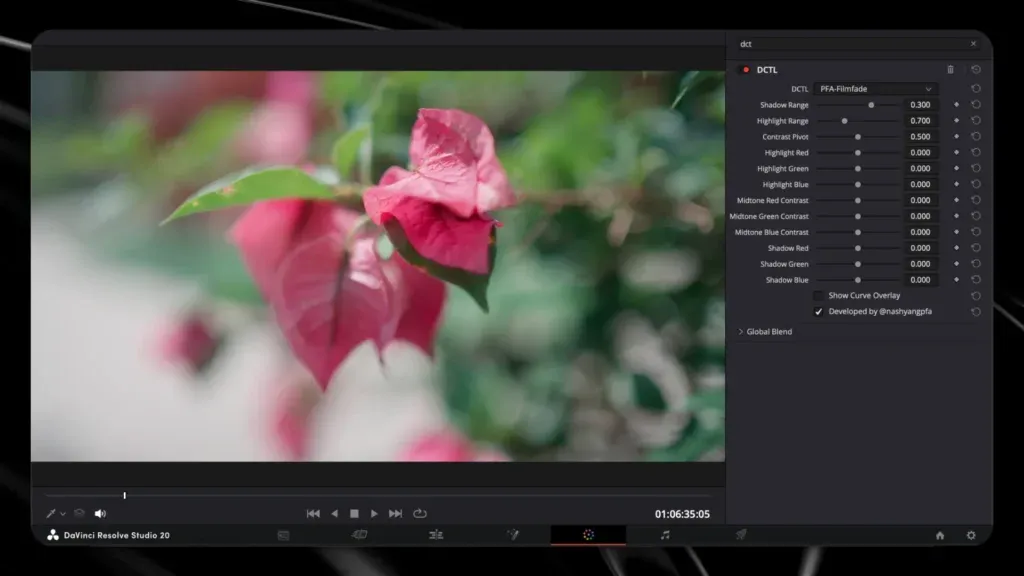
Achieving the Film Look with DCTLs
Achieving a film look involves emulating the characteristics of different film stocks. DCTLs can be used to introduce subtle color casts, adjust contrast with a filmic curve, and add grain. Many are designed to mimic specific stocks, allowing colorists to quickly apply a style to their footage. Experimenting with different DCTLs and combining them can produce unique and authentic results.
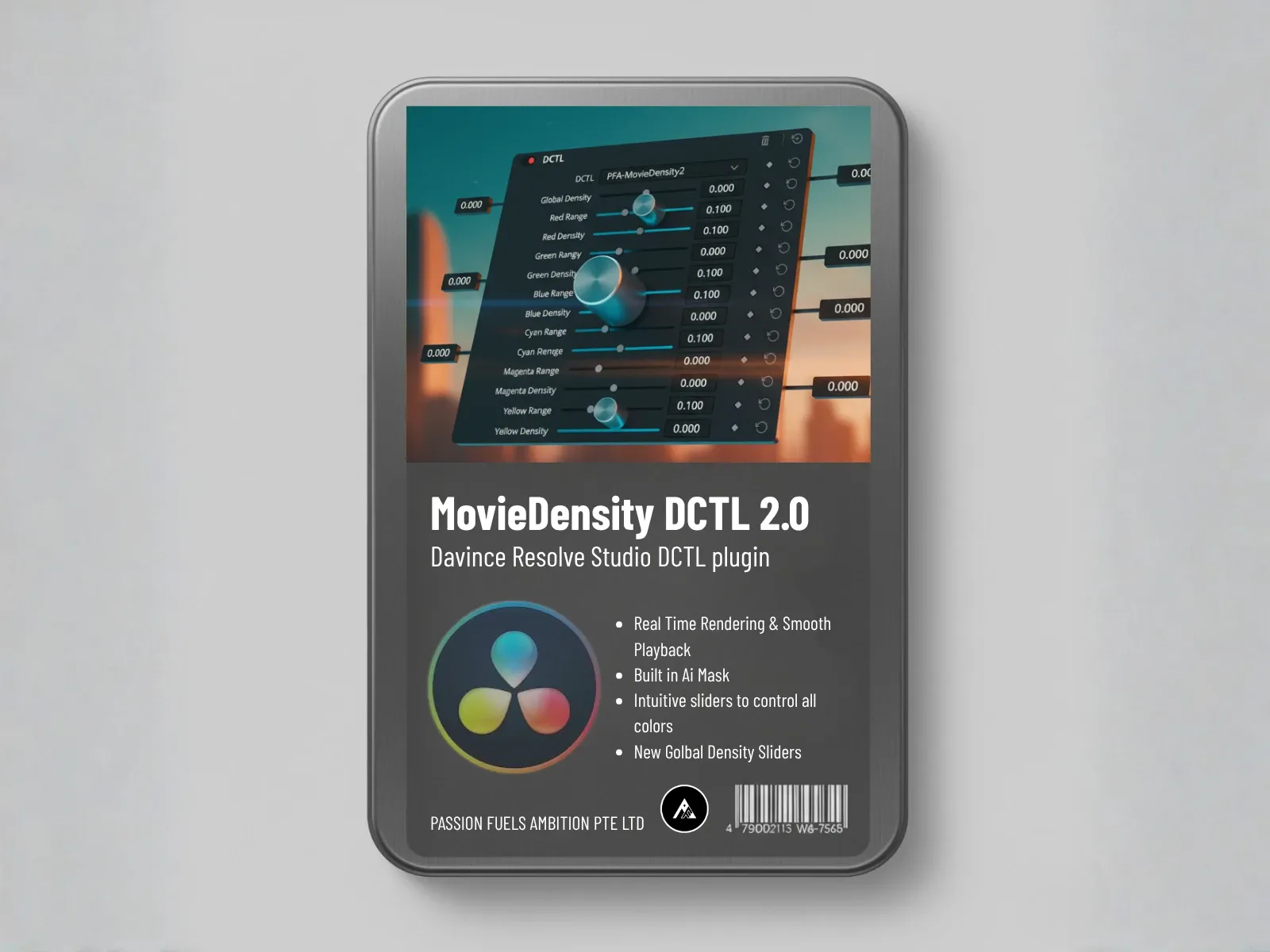
If you use our DCTLs, you can not only build your own look development (e.g., using Movie Density DCTL for depth) but also to precisely meet your Rec. 709 delivery standard.
Adjusting Skin Tones and Exposure
Skin tones and exposure are critical elements in color grading. DCTLs (like our SkinMatch DCTL) can be used to precisely adjust skin color, ensuring they appear natural and healthy. Exposure adjustments can be made non-destructively, preserving detail in highlights and shadows. False color can also be used to check exposure accuracy. Utilizing DCTLs for these tasks offers greater control than traditional node-based adjustments, resulting in more polished and professional-looking results.
Powergrading with Free DCTLs
A powergrade library in DaVinci Resolve is a collection of saved grades that can be quickly applied to different clips, enhancing your workflow. To create one, start by applying various DCTLs and making adjustments to your node tree. Once satisfied, save the grade to your album. Organize these grades logically, perhaps categorizing them by film look or specific conversions, to easily find and apply them to future projects. Remember that using DCTLs for saved looks saves a lot of time.
Resources and Downloads
Where to Find Free DCTLs
Many online resources offer free DaVinci Resolve solutions (DCTLs). You can often find them in a variety of places, including:
- Passion Fuels Ambition: We provide a fully functional, watermarked Demo DCTLs Bundle containing our Color Slider, SkinMatch, Movie Density, and FilmFade tools.
- GitHub, where developers often share their custom DCTLs.
- Websites and YouTube channels dedicated to DaVinci Resolve tutorials, which frequently provide links to download free DCTLs.
Recommended DCTL Files for Beginners
For beginners, some recommended DCTLs include:
- Utility DCTLs for basic conversions (like Log to Rec. 709).
- Simple DCTLs that introduce split toning and shadow/highlight adjustments simply.
- A Skin Checker DCTL can assist in setting proper skin tone balance. These provide a gentle introduction to the power of DCTLs and help build a solid foundation for more advanced techniques.
What is Free DCTL and how is it used in DaVinci Resolve?
Free DCTL (DaVinci Color Transform Language) is a powerful tool used for color grading in DaVinci Resolve. It allows users to create custom color grading plug-ins that enhance their workflow by applying specific color transformations to their footage. Using DCTL can help achieve unique film looks and streamline the color grading process.
How can I install a DCTL plug-in in DaVinci Resolve 18?
To install a DCTL plug-in in DaVinci Resolve 18, first, download the DCTL files. Then, navigate to the DaVinci Resolve installation directory on your macOS and place the DCTL files into the appropriate folder. After restarting DaVinci Resolve, the new DCTL plug-ins will be available for use in your projects.
What are the benefits of using DCTL for color grading in DaVinci Resolve?
Using DCTL for color grading offers several benefits, including the ability to create custom transformations tailored to your specific needs. DCTL allows for precise control over color parameters such as saturation and middle gray, enabling users to achieve a professional film look. Additionally, it offers flexibility in applying color slices and linear adjustments.
Can I use DCTL to generate effects similar to PixelTools?
Yes, you can use DCTL to create effects similar to those offered by PixelTools. While PixelTools provides a user-friendly interface for various effects, DCTL allows for more granular control over color adjustments and transformations. You can achieve similar results by crafting specific DCTL scripts that replicate the desired effects.
How do I utilize a gray chart with DCTL in DaVinci Resolve?
Utilizing a gray chart with DCTL in DaVinci Resolve is essential for achieving accurate color grading. You can create a DCTL script that references the gray chart to balance your footage and set a neutral point. This ensures that your color grading is consistent and aligned with industry standards like Rec.709.
What is the role of saturation in DCTL color grading?
Saturation plays a crucial role in DCTL color grading, as it affects the intensity of colors in your footage. By adjusting saturation within your DCTL scripts, you can enhance or reduce the vividness of colors, allowing for a more dynamic visual presentation. This is particularly useful when aiming for a specific film look.
How can I find documentation for using DCTL in DaVinci Resolve?
Documentation for using DCTL in DaVinci Resolve can be found on the official Blackmagic Design website. This includes tutorials, user guides, and examples of DCTL applications. Additionally, community forums and resources often provide valuable insights and shared scripts to enhance your understanding of DCTL.
What is the significance of linear adjustments in DCTL?
Linear adjustments in DCTL are significant as they allow for precise control over tonal ranges in your footage. By implementing linear transformations, you can ensure that highlights and shadows are accurately represented, which is vital for achieving a professional-grade color grading standard in projects using DaVinci Resolve.
Further Reading
Related: PFA Color Suite | Shop | White Paper | Telegram
FAQ
Is there a free trial available?
Yes! Download the free trial and test all features on your own footage.
What software is supported?
PFA Color Suite works in DaVinci Resolve, Premiere Pro, and After Effects via OpenFX support.
Is technical support included?
Yes, all purchases include email support and access to our Telegram community.