Hollywood color grading techniques are no longer exclusive to big-budget productions. With the right tools, knowledge, and workflow, indie filmmakers can achieve cinematic looks that compete with major studio releases – even on a shoestring budget.
Hollywood color grading uses sophisticated techniques that indie filmmakers can replicate in DaVinci Resolve without a blockbuster budget. According to Blackmagic Design, the same color grading software used on major films like Dune and Avatar is available to anyone in Resolve’s free version.
This comprehensive guide breaks down the exact color grading techniques used in Hollywood films and shows you how to apply them to your indie projects using affordable tools like PFA Color Suite. Whether you’re shooting your first short film or your tenth feature, you’ll learn the professional techniques that separate amateur from professional results.
Essential Hollywood Color Grading Techniques
1. Color Separation and Isolation
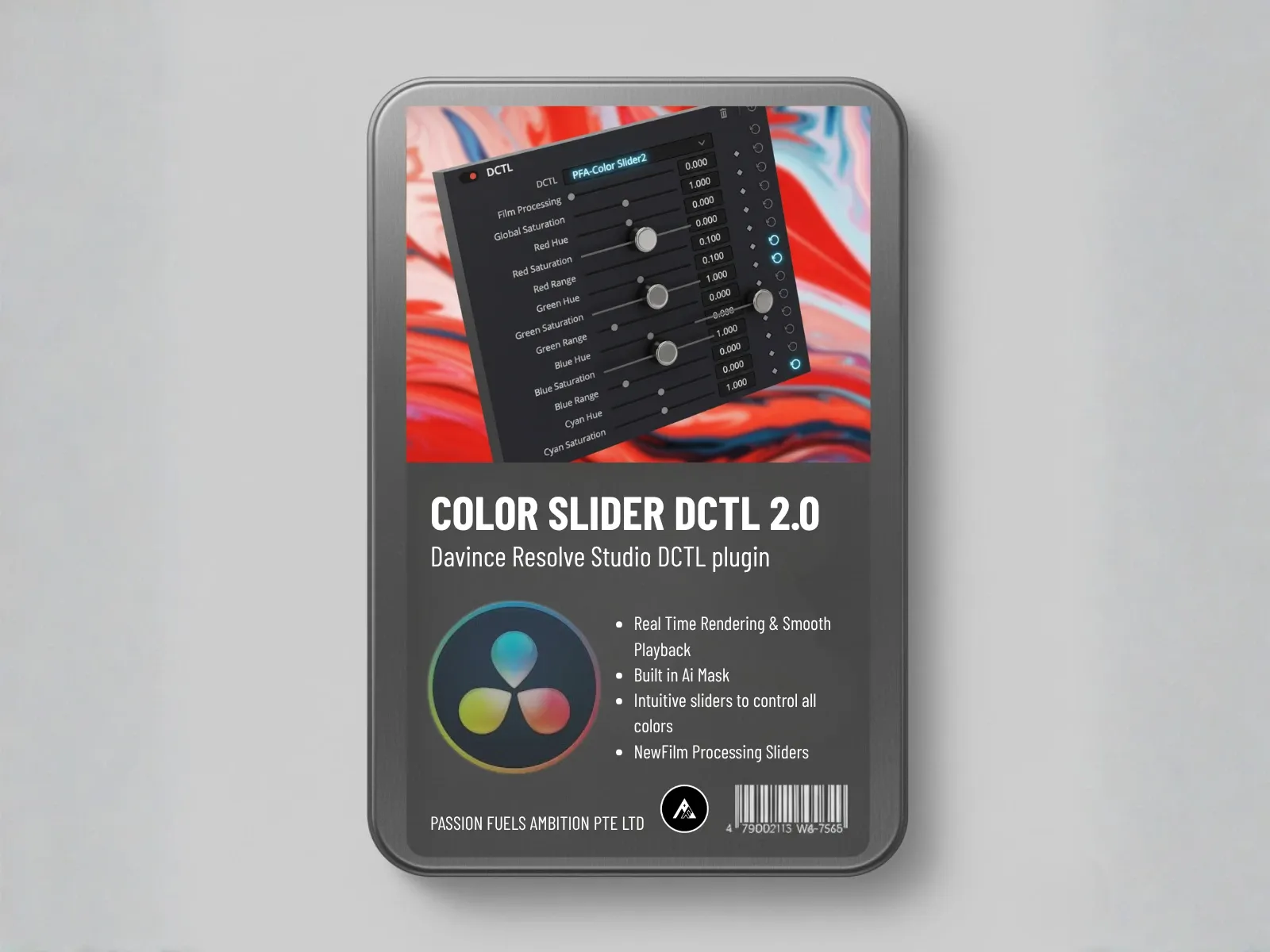
Hollywood colorists don’t grade the entire image uniformly. They isolate specific tonal ranges and color channels, grading each independently. This creates depth and dimension that flat grading can’t achieve.
How to apply: Use PFA Color Suite’s ColorSlider to isolate and adjust specific color ranges without affecting others.
2. Film Emulation
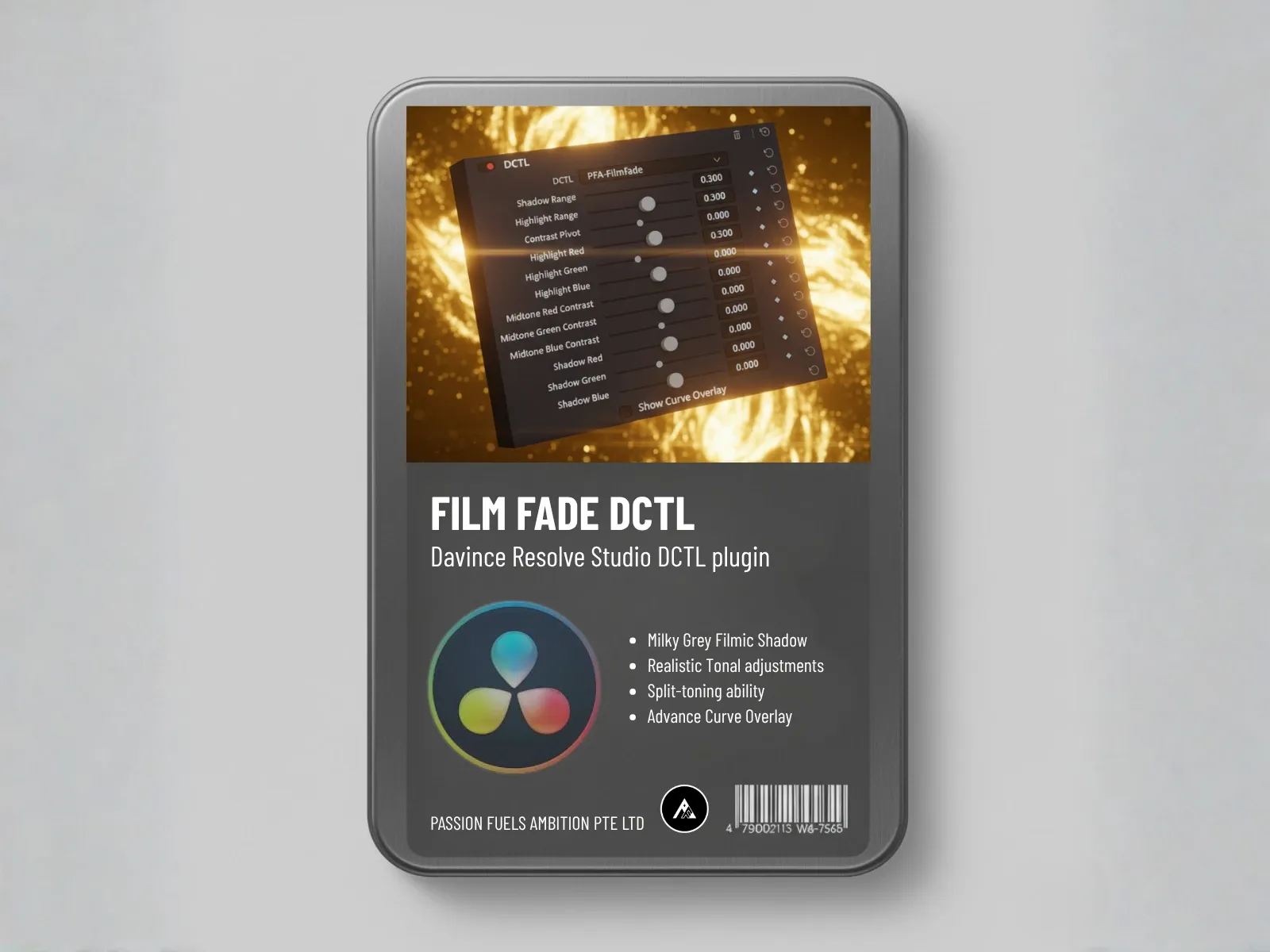
Most Hollywood films are still finished on film or emulated to look like film. The characteristics – subtle highlight roll-off, organic grain, natural halation – create that coveted “cinematic” look.
How to apply: PFA’s FilmFade DCTL authentic film stock emulations replicate Kodak 2383, Fuji Eterna, and other classic film stocks.
3. Contrast Control
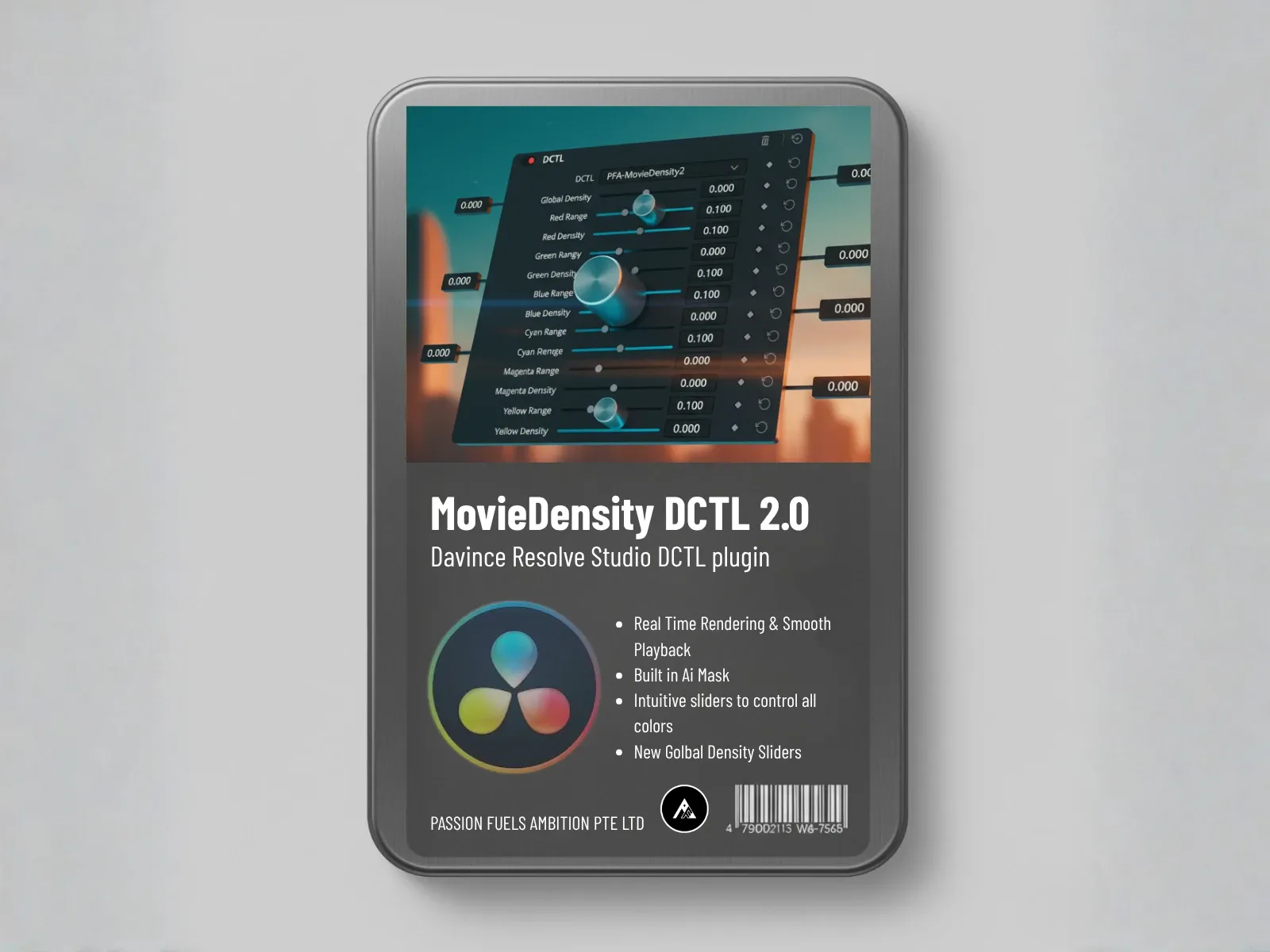
Professional grades have precise control over shadows, midtones, and highlights. Nothing is crushed to pure black or clipped to pure white. Every tonal range retains detail while maintaining punch and impact.
How to apply: PFA’s Movie Density control restores cinematic contrast while preserving highlight and shadow detail.
4. Skin Tone Protection
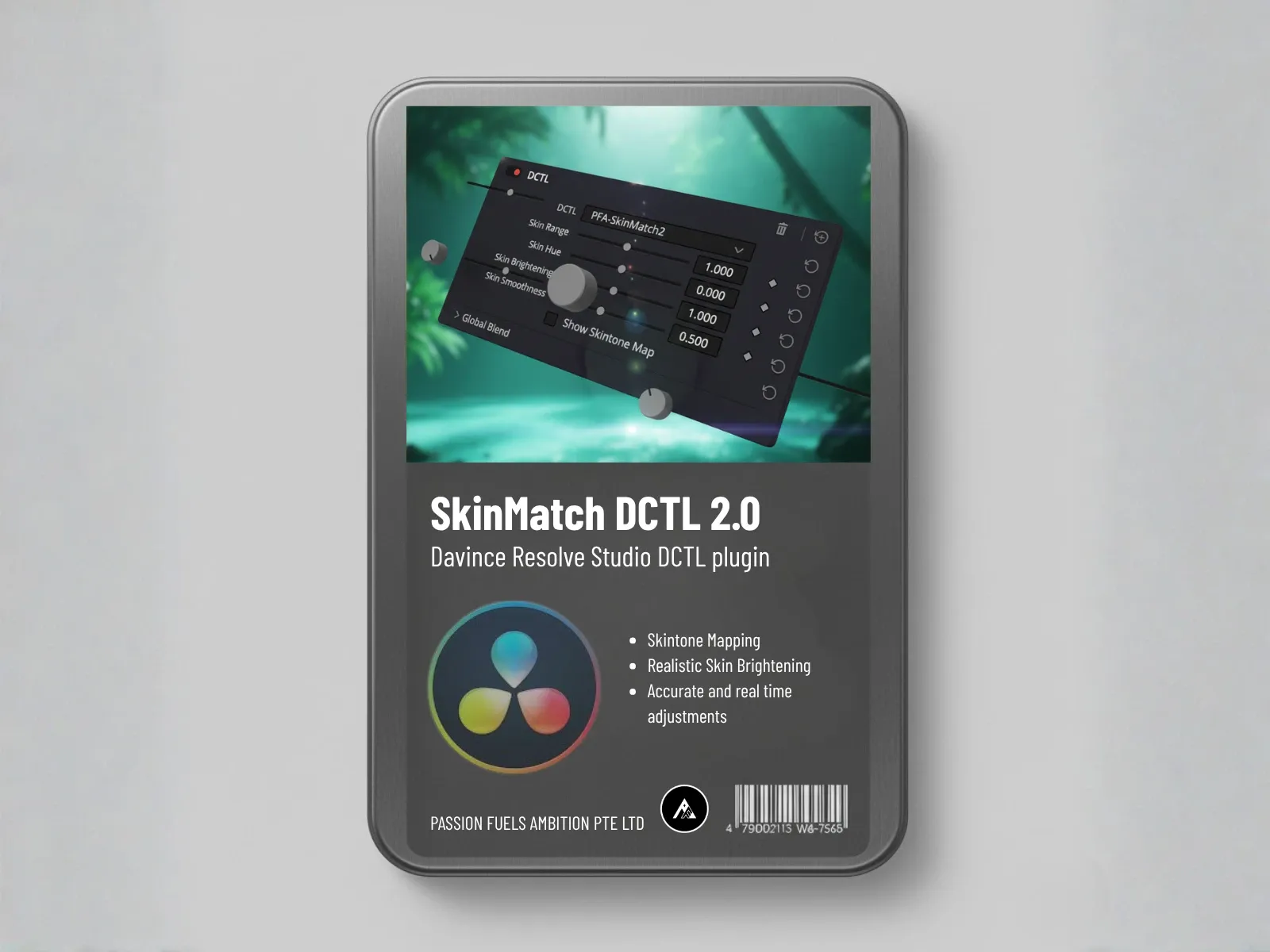
No matter how creative the grade, skin tones must remain natural. Hollywood colorists prioritize skin tones above all else – audiences forgive many mistakes, but unnatural skin tones immediately signal amateur work.
How to apply: PFA’s SkinMatch DCTL automatically detects and protects skin tones while grading the rest of the image.
5. Power Windows and Local Adjustments
Selective grading draws viewer attention and creates visual hierarchy. Hollywood colorists use power windows to brighten subjects, darken backgrounds, and guide the viewer’s eye through the frame.
Master these fundamentals in our beginner’s guide to color grading.
Tools Used in Hollywood (And Affordable Alternatives)
Professional colorists use DaVinci Resolve Studio ($295), FilmLight Baselight ($30,000+), or Autodesk Lustre ($50,000+). But you don’t need six-figure software to get Hollywood results.
Professional Tools:
- DaVinci Resolve Studio: Industry standard, $295 one-time
- FilmLight Baselight: High-end color grading, $30,000+
- Autodesk Lustre: Feature film grading, $50,000+
Affordable Alternatives:
- PFA Color Suite: $197 one-time, AI-powered grading
- DaVinci Resolve (Free): Professional-grade software at no cost
- LUTs: $50-200 for professional preset looks
- Vectorscope: Free in DaVinci Resolve
See how PFA compares to other tools in our comparison guide.
Budget-Friendly Hollywood Workflow (Step-by-Step)
Step 1: Shoot in LOG
LOG profiles preserve maximum dynamic range. Your footage will look flat out of camera, but you’ll have far more grading flexibility than Rec.709.
Camera settings: C-Log 3 (Canon), S-Log3 (Sony), V-Log (Panasonic), BRAW (Blackmagic)
Step 2: Apply Color Space Transform
Convert your LOG footage to Rec.709 properly. This establishes a neutral baseline for creative grading.
How to: Use DaVinci Resolve’s built-in CST or PFA Color Suite’s color management tools.
Step 3: Generate Cinematic Look with AI
Use PFA CinePulse AI to generate a professional starting point in 30 seconds. The AI analyzes your footage and applies appropriate contrast, saturation, and color balance.
Time savings: 30 seconds with AI vs 30 minutes manual grading
Step 4: Fine-Tune with Printer Lights
Make subtle adjustments to get the look exactly right. Printer lights give you precise control over exposure and color balance.
Step 5: Export and Deliver
Export in the proper codec for your distribution platform. YouTube wants H.264 at 50+ Mbps. Cinema DCP requires JPEG2000. Know your delivery specs before you start.
Speed up your workflow with these 5 time-saving plugins used by professionals.
Common Indie Film Mistakes (And How to Fix Them)
Mistake 1: Oversaturated Colors
Hollywood uses subtle, controlled saturation. New colorists often crank saturation to 150% thinking it looks “cinematic.” It doesn’t – it looks amateur.
Fix: Keep saturation between 100-120% maximum. Subtlety looks more professional.
Mistake 2: Crushed Blacks
Pure black (0 IRE) loses all detail. Hollywood grades keep shadows between 5-10 IRE to preserve detail while maintaining contrast.
Fix: Use your waveform scope. Keep shadows above 0 IRE.
Mistake 3: Inconsistent Shots
Scene continuity requires consistent grading across all shots. Nothing pulls viewers out of a story faster than jarring color changes between shots.
Fix: Use PFA’s shot matching feature to maintain consistency across all shots in a scene.
Mistake 4: Ignoring Skin Tones
As mentioned earlier, skin tones must remain natural. Viewers are incredibly sensitive to skin tone accuracy.
Fix: Use vectorscope with skin tone line. Use PFA SkinMatch for automatic skin tone protection.
Mistake 5: No Reference
Professional colorists always work with reference images – film stills, director’s references, mood boards. Grading without reference is like driving without a destination.
Fix: Collect 5-10 reference images before you start grading. Match the look and feel you’re trying to achieve.
Get Hollywood Results on an Indie Budget
You don’t need a Hollywood budget to grade like Hollywood. Here’s what you actually need:
- Software: DaVinci Resolve (Free) + PFA Color Suite ($197)
- Monitor: Any calibrated display with 99% Rec.709 coverage ($300-500)
- Knowledge: This guide + practice (free)
- Time: 10-20 hours of focused learning
Total investment: Under $700 for professional-grade tools. Compared to $30,000+ for Hollywood tools, that’s 98% savings.
Real-World Example: Indie Film Success Story
A filmmaker I worked with graded their first feature using PFA Color Suite. Budget: $50,000 total production. The film premiered at a top-tier festival and was picked up for distribution. The color grading held up against films with 100x larger budgets.
The secret? Proper technique, good tools, and knowing when to use AI automation vs manual control.
Start Grading Like Hollywood Today
Hollywood color grading techniques are accessible to everyone. The tools are affordable. The knowledge is available. The only thing between you and professional results is taking action.
Download PFA free trial and start grading your indie films like a Hollywood pro today. Use code INDIE20 for 20% off your first year.
Your films deserve professional color grading. Now you have the tools and knowledge to deliver it.
Can Indie Filmmakers Achieve Hollywood-Quality Color Grading?
Yes. The gap between Hollywood and indie color grading is no longer about software. DaVinci Resolve gives indie filmmakers the same tools used on major productions. The difference lies in experience, time, and access to calibrated monitors. With proper technique and practice, indie filmmakers can achieve professional-grade color results.