Traditional color grading in DaVinci Resolve means building complex node trees. You are looking at fifteen, sometimes twenty nodes, each one handling LOG conversion, exposure correction, white balance, and creative looks. It works, but it takes hours and years of experience to get every color grade right. PFA Color Suite 11.3 changes that with a complete AI pipeline that replaces the entire grading process with three clicks. This is the grading tool that turns a 15-node workflow into a single color grade you can apply instantly. Whether you call it a color grade or colour grade, the result is the same: professional results in seconds.
What Is AI Color Grading and Why Does It Matter
AI color grading uses machine learning to analyze your footage and apply intelligent corrections automatically. Instead of manually adjusting each parameter, the AI reads the image data, identifies the camera log profile, corrects exposure and white balance, and generates creative looks that match your intent. Every color grade starts with the same foundation: a neutral, well-balanced image.
For wedding videographers, landscape shooters, and commercial creators who deliver dozens of projects per month, this is not a convenience feature. It is a workflow transformation. PFA Color Suite 11.3 goes beyond simple auto-correction by combining AI-powered analysis with full manual control over every parameter. You get the speed of AI and the precision of a professional colorist working in DaVinci Resolve.
Whether you work in Resolve, Premiere Pro, or Final Cut Pro, the color correction workflow should be seamless. PFA Color Suite runs as an OpenFX plugin inside DaVinci Resolve, so your color grade integrates directly into your existing post-production timeline. No external apps, no export-import cycles. Every colour grade you build follows the same three-step pipeline.
Grade with AI: The 3-Click Pipeline
The new pipeline in PFA Color Suite 11.3 follows a simple three-step process that works across any type of footage. Whether you are grading wedding highlights, landscape videos, sports commercials, or vlogs, the pipeline adapts to your content automatically.
Step 1: De-Logify: One-Click LOG to Rec.709
The first step handles LOG footage conversion. Traditionally, you need to identify your input color space, set the output color space, and manually adjust the conversion. De-Logify does all of this in one click. It adapts to all cameras automatically, so you do not need to know whether your footage came from a Sony, Canon, Blackmagic, or ARRI camera. The AI strips away manufacturer-specific saturation changes and returns a clean Rec.709 image with only exposure adjustments applied.
For multi-camera setups, this is transformative. Because De-Logify removes each camera manufacturer default saturation curve, all your clips land on a neutral starting point. Synchronizing color across multi-cam becomes a matter of matching exposure and white balance, not untangling different color science profiles. If you work with footage from multiple cameras, grab our free universal Log to Rec.709 LUT pack to compare AI correction against traditional LUT-based workflows. Even with LUTs, you still need color matching across shots, and the AI approach simplifies that entirely.
Step 2: Exposure and White Balance
Once your footage is de-logged, Grade with AI analyzes the scene and sets exposure and white balance automatically. You get a neutral, well-balanced starting point for creative grading. The AI reads the image data and applies corrections that preserve natural skin tones and accurate color rendering. If the auto-correction needs adjustment, you can fine-tune exposure and white balance manually while the AI suggestions remain as your baseline. This is color correction done right: the AI handles the technical, you focus on the creative. Every color grade benefits from this neutral starting point.
Step 3: CinePulse AI Generate Look
This is where the creative magic happens. CinePulse AI activates all 135 parameters across the entire PFA Color Suite toolkit to generate a complete cinematic look. One click cycles through possibilities, each one combining color density, film tonal curves, spectral contrast, texture, and tonal shaping into a cohesive grade. Every color grade you create starts from this AI-generated foundation.
The beauty of CinePulse AI is that it transforms how you communicate with directors and DPs about look building. Instead of describing abstract concepts, you cycle through generated looks and point to the one that matches your vision. When you find a look you like, you can counter-adjust specific parameters to refine it. Add more cyan to the scene, shift the green balance, or adjust the shadow rolloff. Every change is live and non-destructive.
AI Pipeline Across Six Use Cases
PFA Color Suite 11.3 was tested across six different shooting scenarios to prove the pipeline works universally. Here is how each one performs.
Wedding Videography
Wedding footage typically mixes indoor ceremony shots with outdoor reception footage, often from multiple cameras. De-Logify handles the different camera profiles automatically, stripping away manufacturer saturation differences. Grade with AI sets exposure and white balance for each scene. CinePulse AI generates warm, romantic cinematic looks that you can cycle through until you find the perfect mood. The skin tone tools ensure the couple looks natural throughout. A single color grade applies consistently across every camera angle.
Landscape and Nature
Landscape videographers need rich, vibrant color that captures the mood of golden hour, blue hour, and dramatic skies. The pipeline delivers a neutral starting point with accurate exposure and white balance. Generate Look cycles through cinematic possibilities from punchy, high-contrast grades to softer, film-inspired tones. Fine-tune with the Film Tonal Curve to deepen shadows or lift highlights as needed. The result is cinematic color that feels intentional, not overprocessed.
Film Emulation Workflows
For creators chasing specific film looks, the pipeline starts with the same three-click process. After De-Logify and Grade with AI set your neutral base, Generate Look produces film-inspired grades. You can then go deeper with the Film Mixer for channel-specific film emulation or Film Printer Lights for vintage color shifting. Add more green, shift toward yellow, or dial in that analog warmth. Learn more about our complete color grading workflow for step-by-step guidance on creating cinematic looks.
Sports Commercials
Sports footage demands punchy, high-energy grades with accurate skin tones and vibrant team colors. The pipeline delivers consistent results across different lighting conditions. If you want to refine specific elements, the regenerate button lets you regenerate just the texture group while preserving the rest of your grade. Adjust the tonal curve, increase black point, or add shadow rolloff for that milky grain look. Everything is live with slider controls.
Vlogs and Social Content
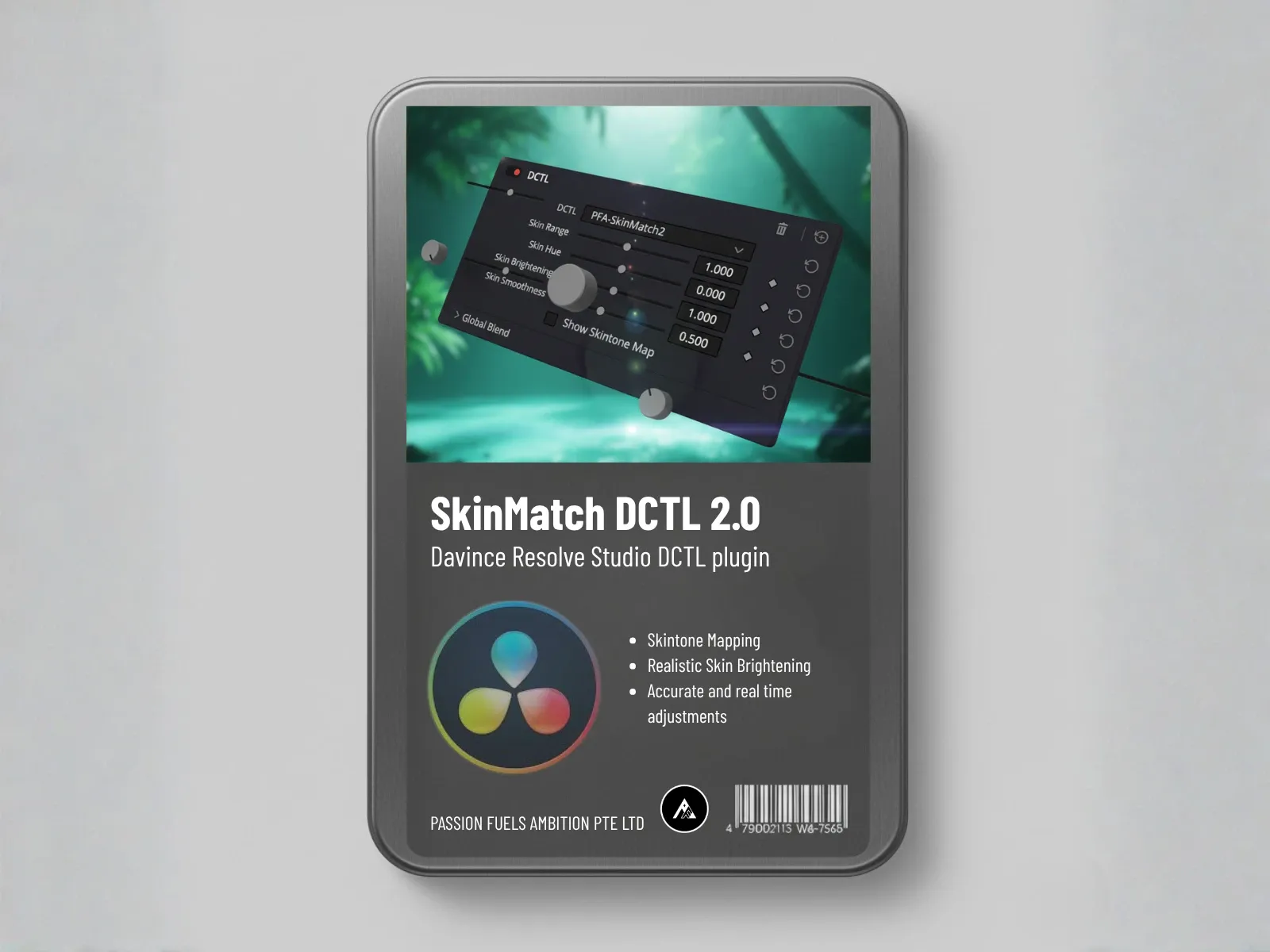
Vloggers need fast turnaround with consistent branding across episodes. The pipeline gives you a repeatable three-click process that delivers professional results every time. If skin tones are off in a generated look, the skin tone tools let you turn on the mask, verify the orange hue positioning, and adjust density to make skin fairer or warmer. The result is accurate, flattering skin that keeps viewers engaged.
Commercial and Narrative Work
For commercial and narrative projects, the pipeline delivers the same speed with professional-grade control. Every parameter is built on 32-bit float math, so your grades are non-destructive and preserve full image quality. You can generate looks, refine them, and deliver broadcast-ready color in a fraction of the traditional time.
Why AI Pipeline Is Not Just Another Preset
The key difference between PFA Color Suite pipeline and traditional presets is control. Presets lock you into a fixed look. AI generates a starting point that you can modify with every single slider in the toolkit. The Grade with AI engine reads your specific footage, your specific lighting, your specific camera profile, and generates recommendations that are unique to your shot.
This is not a black box. Every parameter that CinePulse AI activates is visible and adjustable. The AI suggests, you decide. And because the entire system runs as a DaVinci Resolve OpenFX plugin, your grades are fully integrated into your existing workflow. No external apps, no export-import cycles, no compatibility headaches. The grading tools you already know and trust, now enhanced with AI capabilities. Every colour grade builds on this flexible foundation.
Multi-Cam Synchronization Made Simple
Multi-camera shoots are where the AI pipeline delivers the biggest time savings. Traditionally, you sync camera profiles manually, match each camera color science, and spend hours getting consistent looks across angles. De-Logify strips away manufacturer saturation differences so all your cameras land on the same neutral Rec.709 starting point. From there, a single color grade applies consistently across all angles. What used to take hours now takes minutes.
Getting Started with PFA Color Suite 11.3
PFA Color Suite 11.3 is live right now. The free trial gives you unlimited access to test the full AI pipeline on your own footage. Note that the free trial runs version 10.2, which is one version behind the current release. To access the features, you need the latest version. Our lifetime subscription gives you permanent access with all future updates included.
We are already working on version 12, which will include a major revamp of the film emulation engine with completely rewritten features underneath. The roadmap is ambitious and the results will be significant.
Frequently Asked Questions
Does the AI pipeline work with any camera
Yes. PFA Color Suite 11.3 De-Logify adapts to all camera manufacturers automatically. It reads the footage metadata, identifies the log profile, and converts to Rec.709 without requiring you to specify input or output color spaces. This works with Sony S-Log, Canon C-Log, Blackmagic Film, ARRI Log-C, and Panasonic V-Log.
Is it better than manual grading
It is not better or worse than manual grading. It is faster. The pipeline gives you a professional starting point in seconds that would normally take 15 to 30 minutes of manual node work. You retain full manual control over every parameter, so the final color grade is still your creative decision.
Can I fine-tune AI-generated looks
Absolutely. Every generated look is fully adjustable. CinePulse AI activates 135 parameters, and each one has a slider you can modify. You can counter-adjust individual parameters, regenerate specific groups, or go deeper into Film Mixer, Film Printer Lights, or Film Texture for creative refinement.
What is CinePulse AI
CinePulse AI is the creative look generation engine in PFA Color Suite. It activates all 135 parameters across the entire toolkit to generate complete cinematic looks. One click cycles through possibilities, combining color density, film tonal curves, spectral contrast, texture, and tonal shaping. It is designed to help you communicate creative intent with directors and DPs quickly.
Is the pipeline non-destructive
Yes. Every parameter in PFA Color Suite is built on 32-bit float math, which means all adjustments are non-destructive. You can generate looks, modify them, reset them, and regenerate them at any time without losing image quality or introducing banding artifacts.